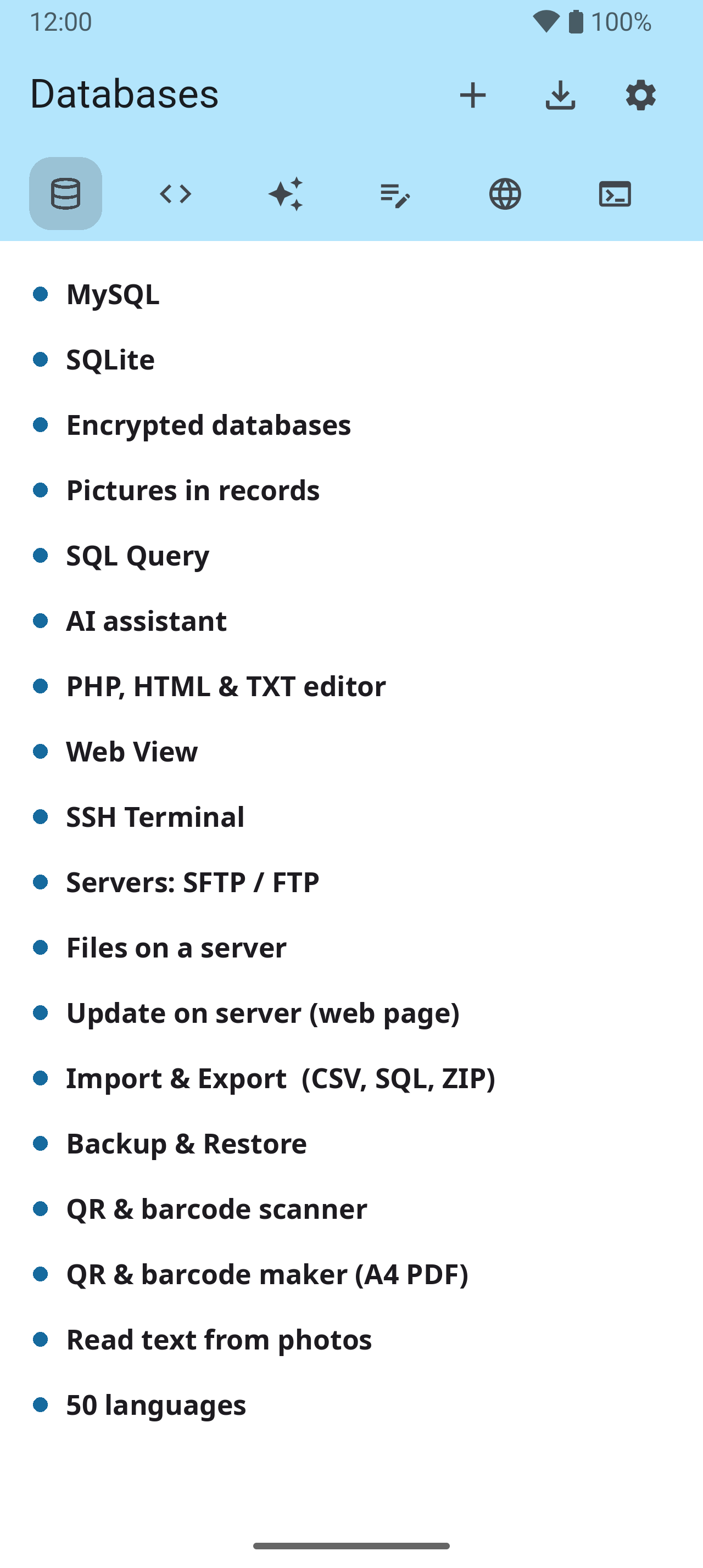
Databases 1–4
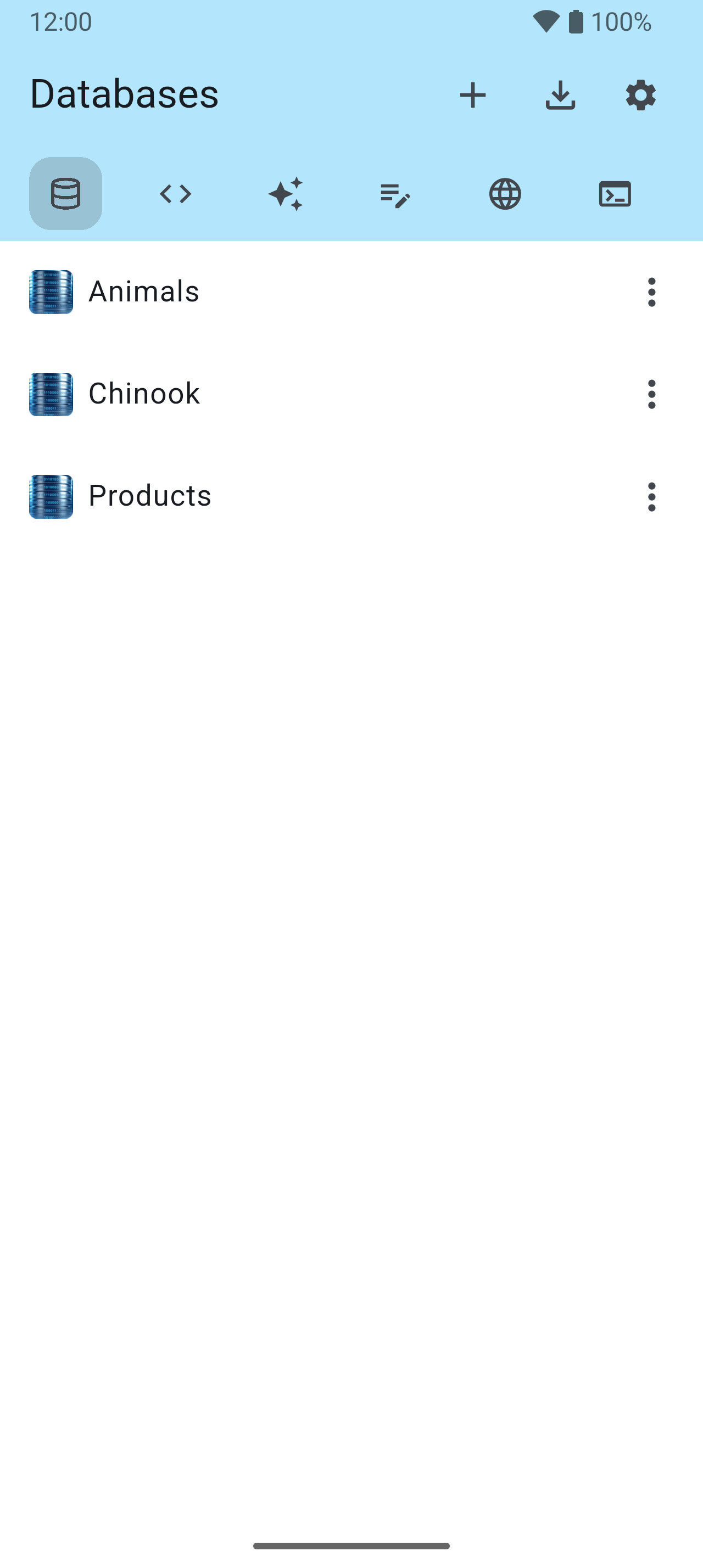
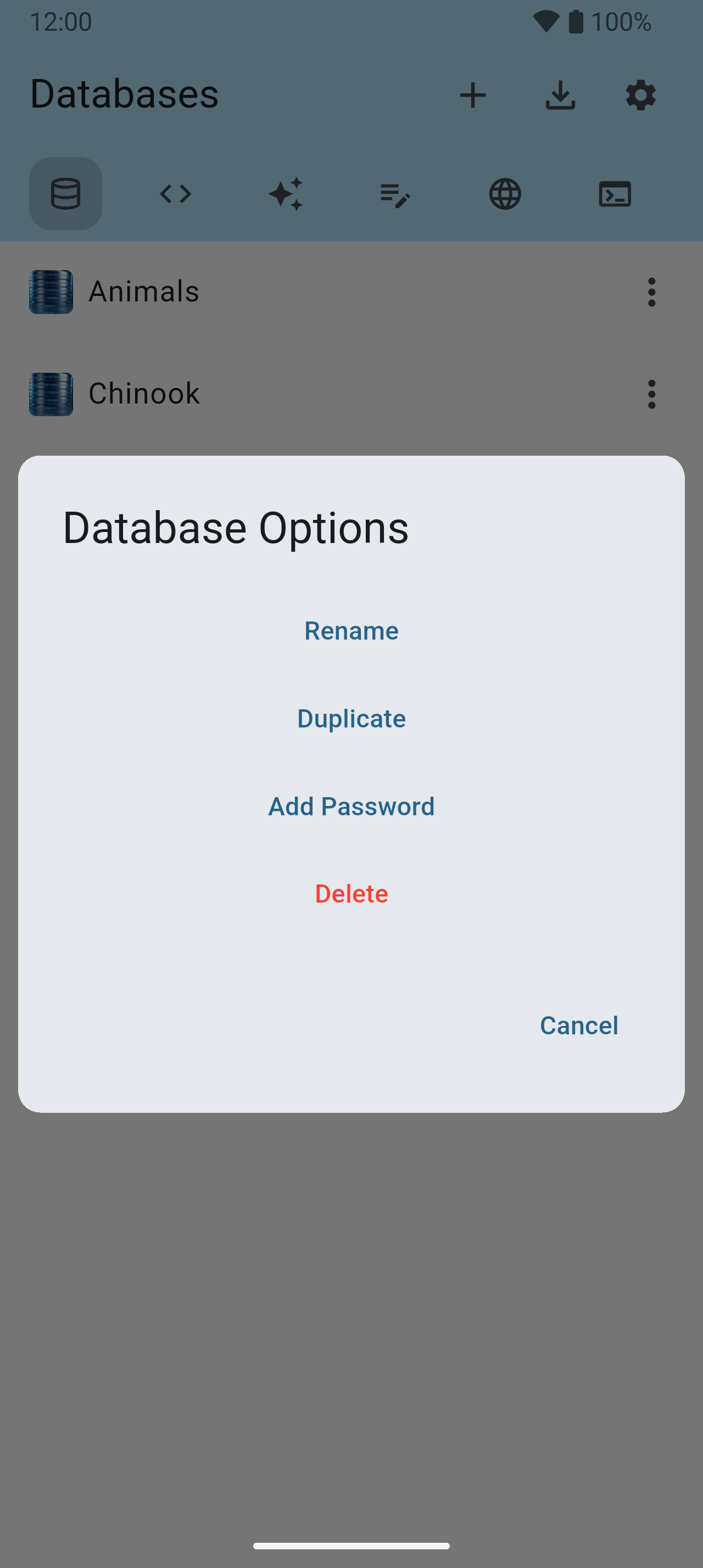
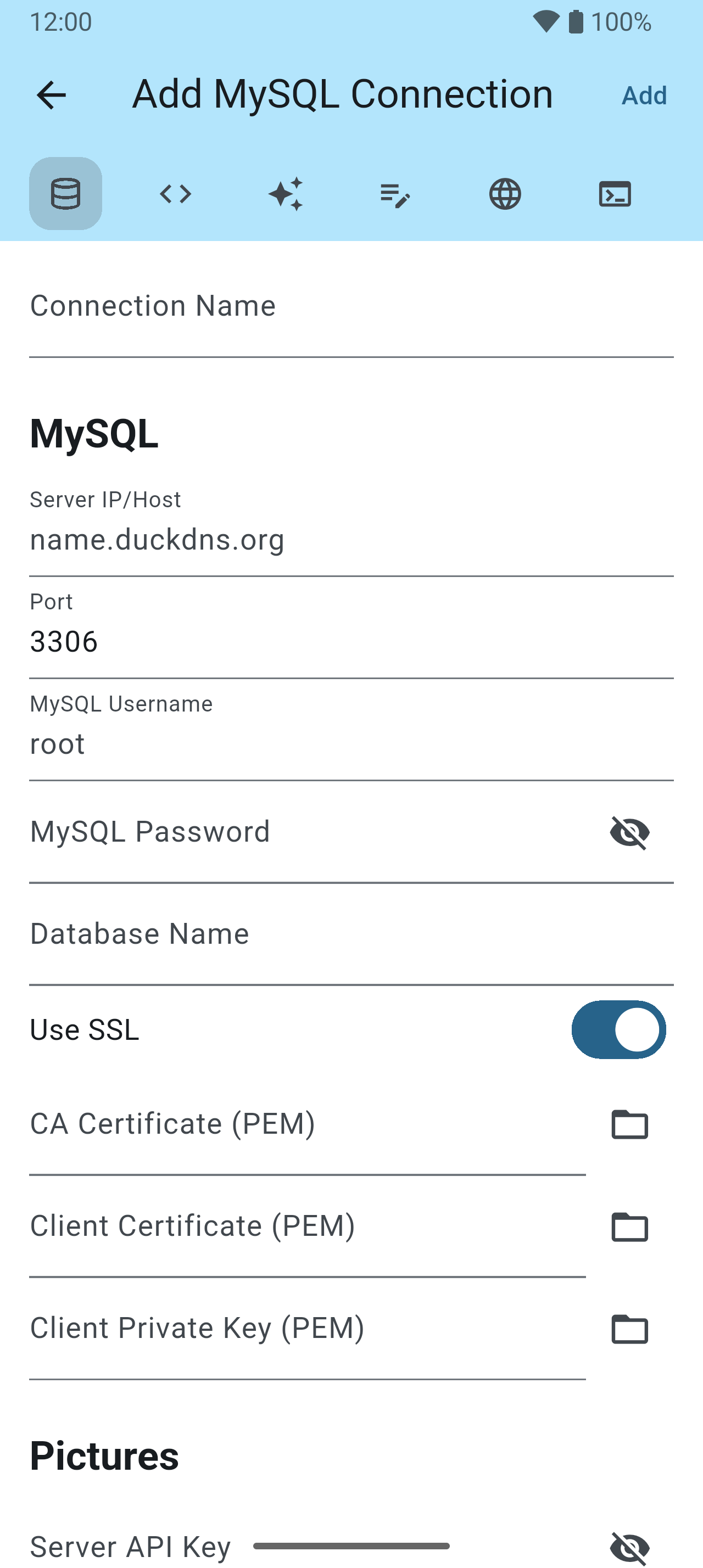
The start screen lists every database — a file on the phone or a MySQL database on a server. The row of tools along the top is the same on every screen, and scrolls sideways to Servers, Tools and My Database Pro.

Tables 5–8
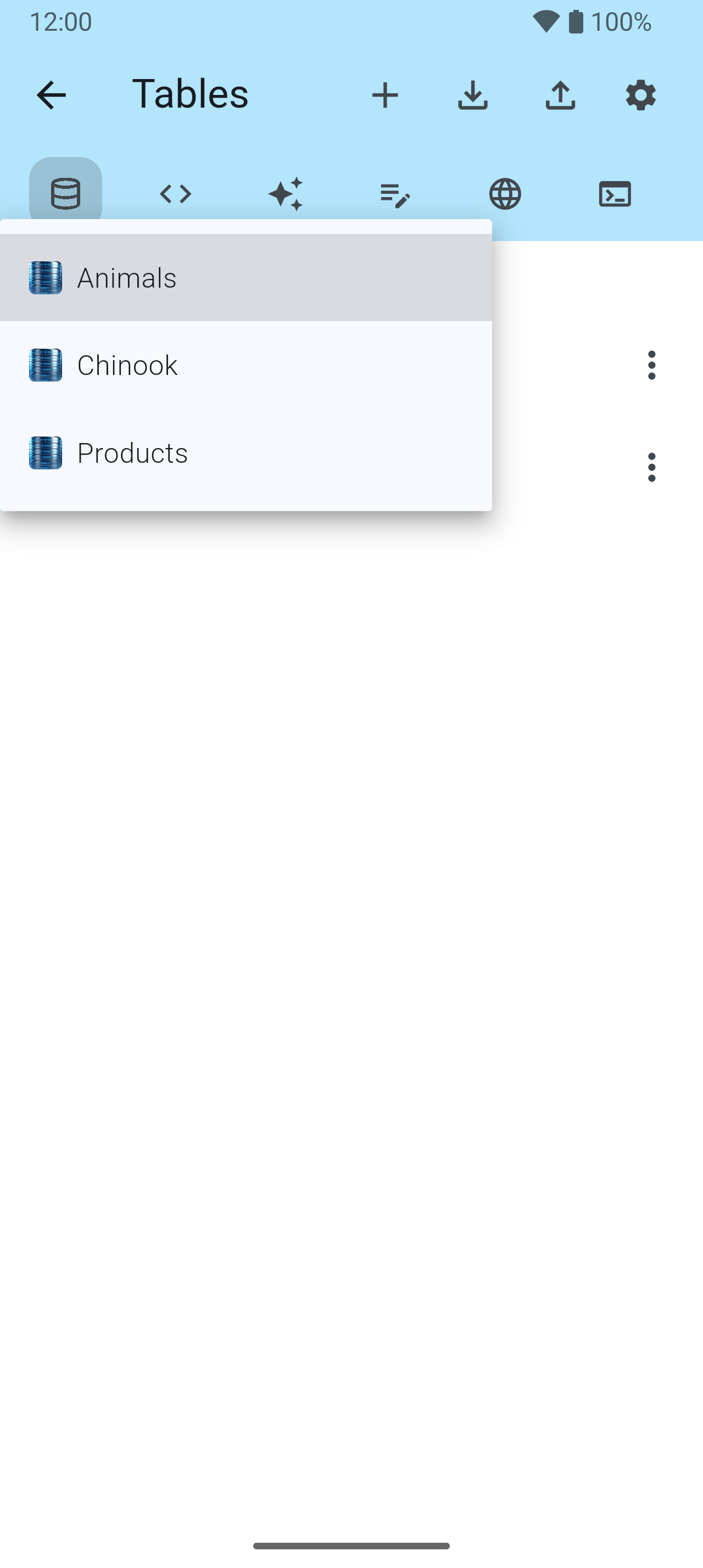
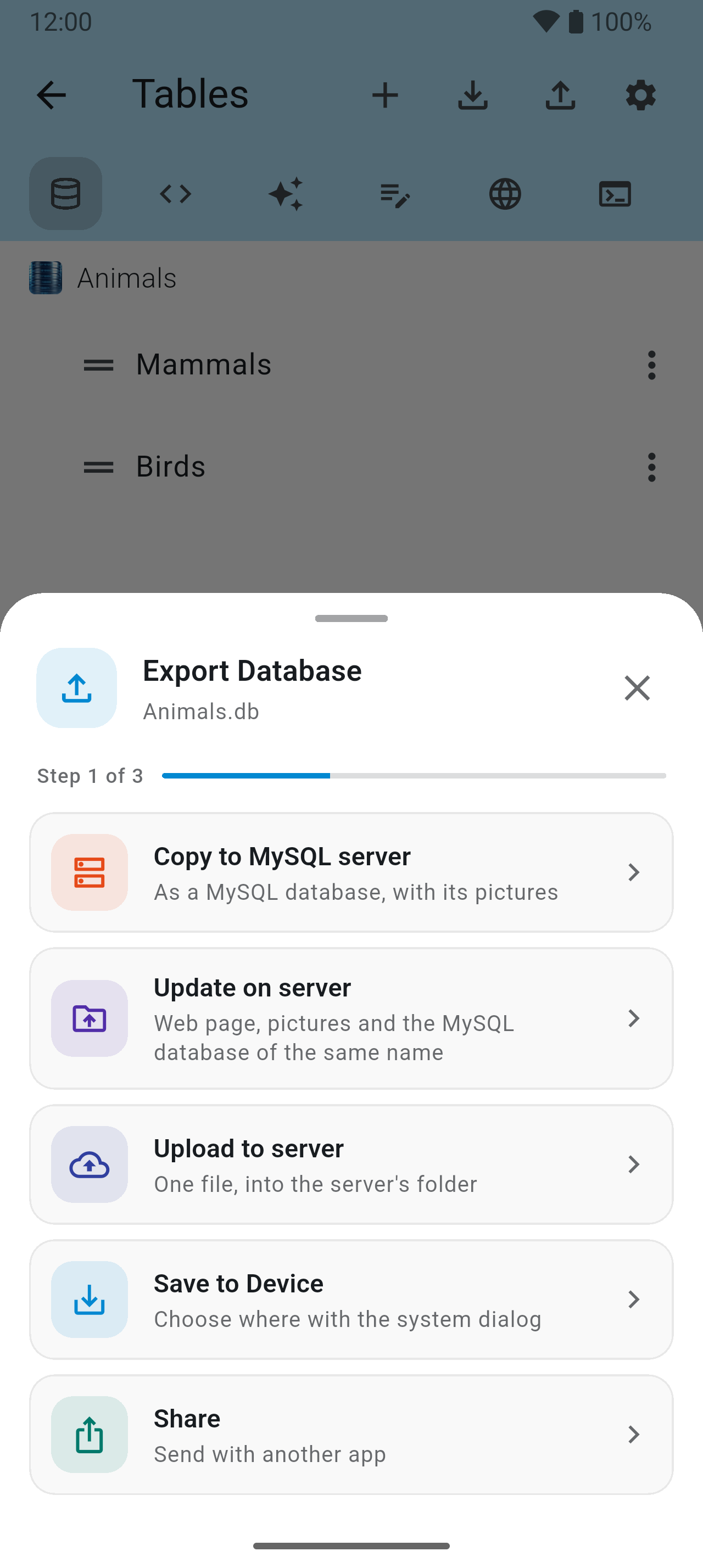
Open a database and its tables are listed under a path line that always says where you are. Hold a row and drag it to put the tables in your own order. Import and Export sit in the bar as icons.



Records 9–12
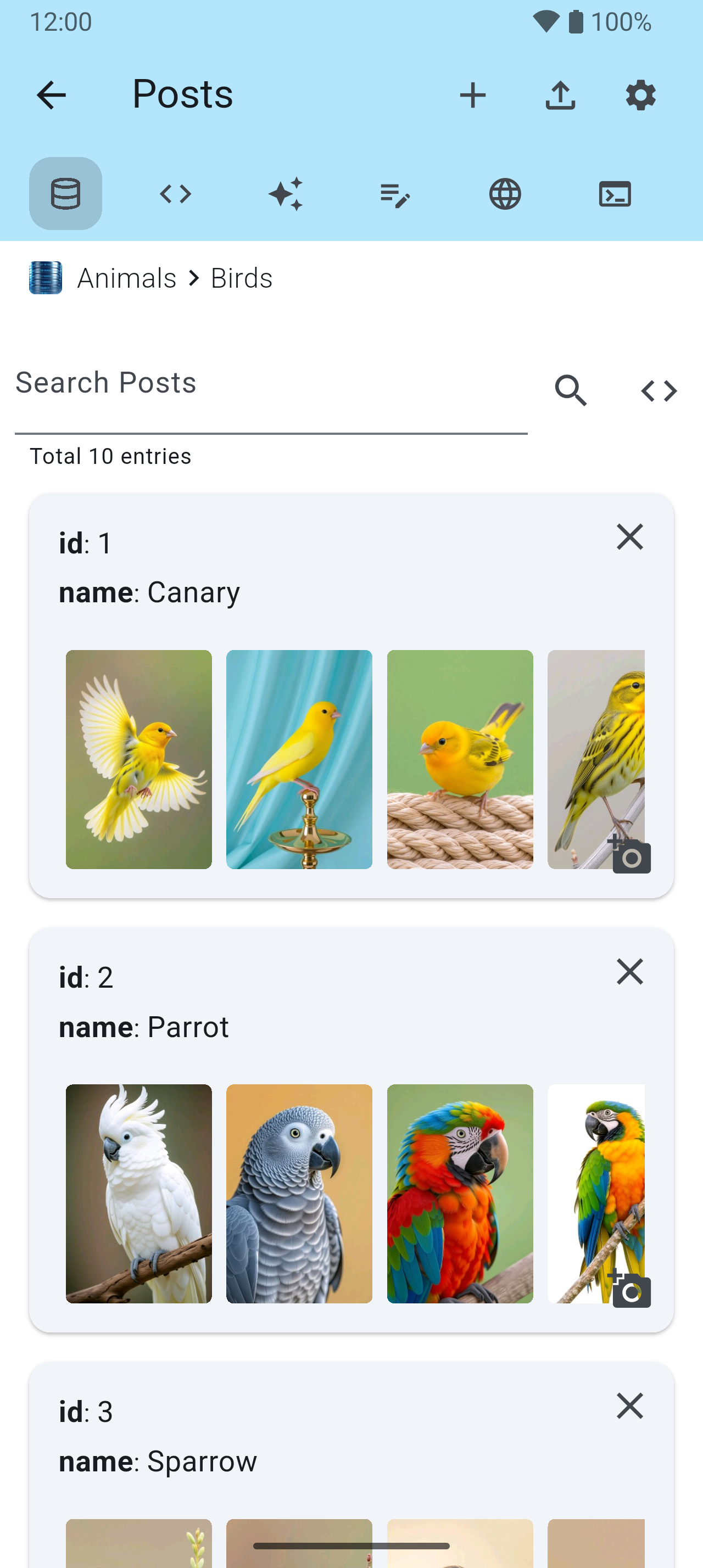
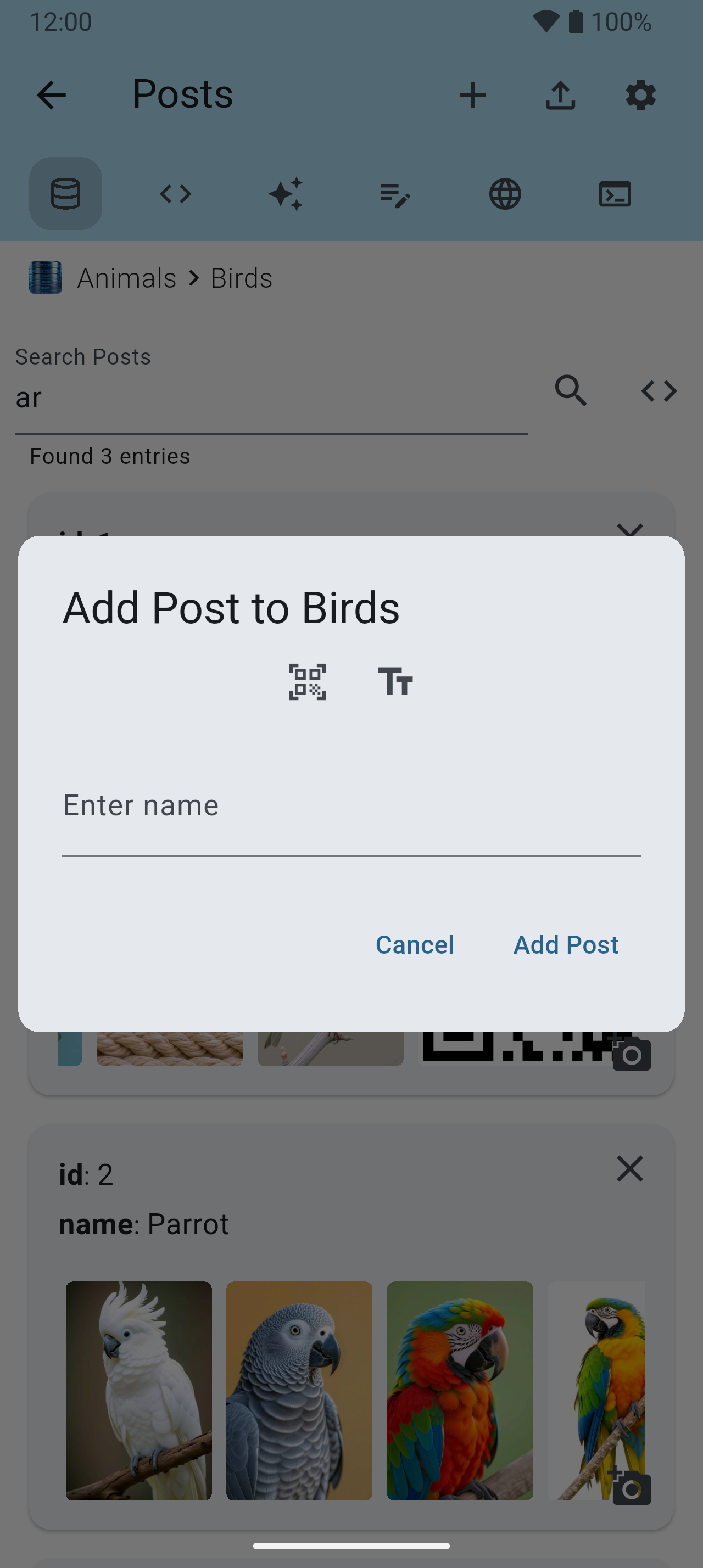
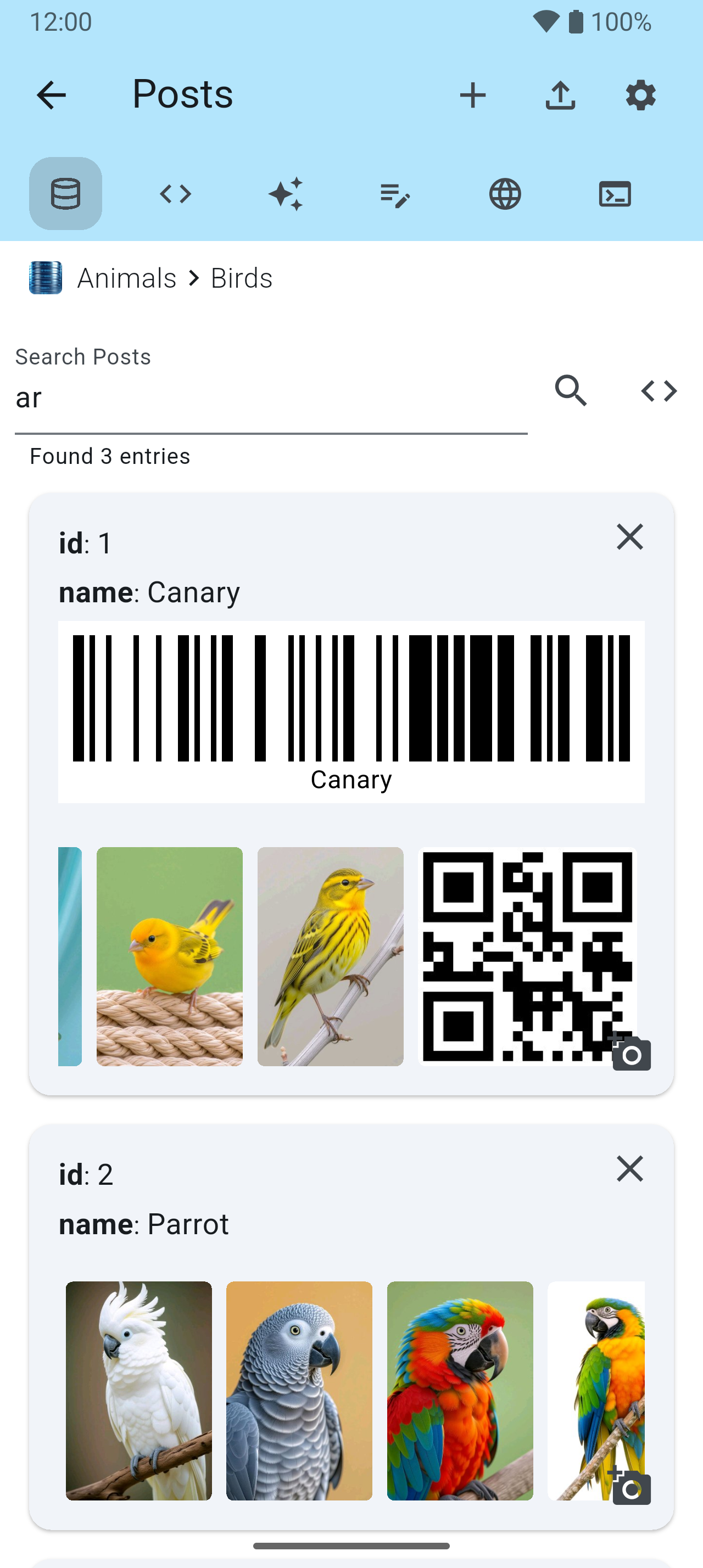
Every row of a table is a card, with its pictures along the bottom. Search it, tap a value to change it, and the change is written straight to the database.
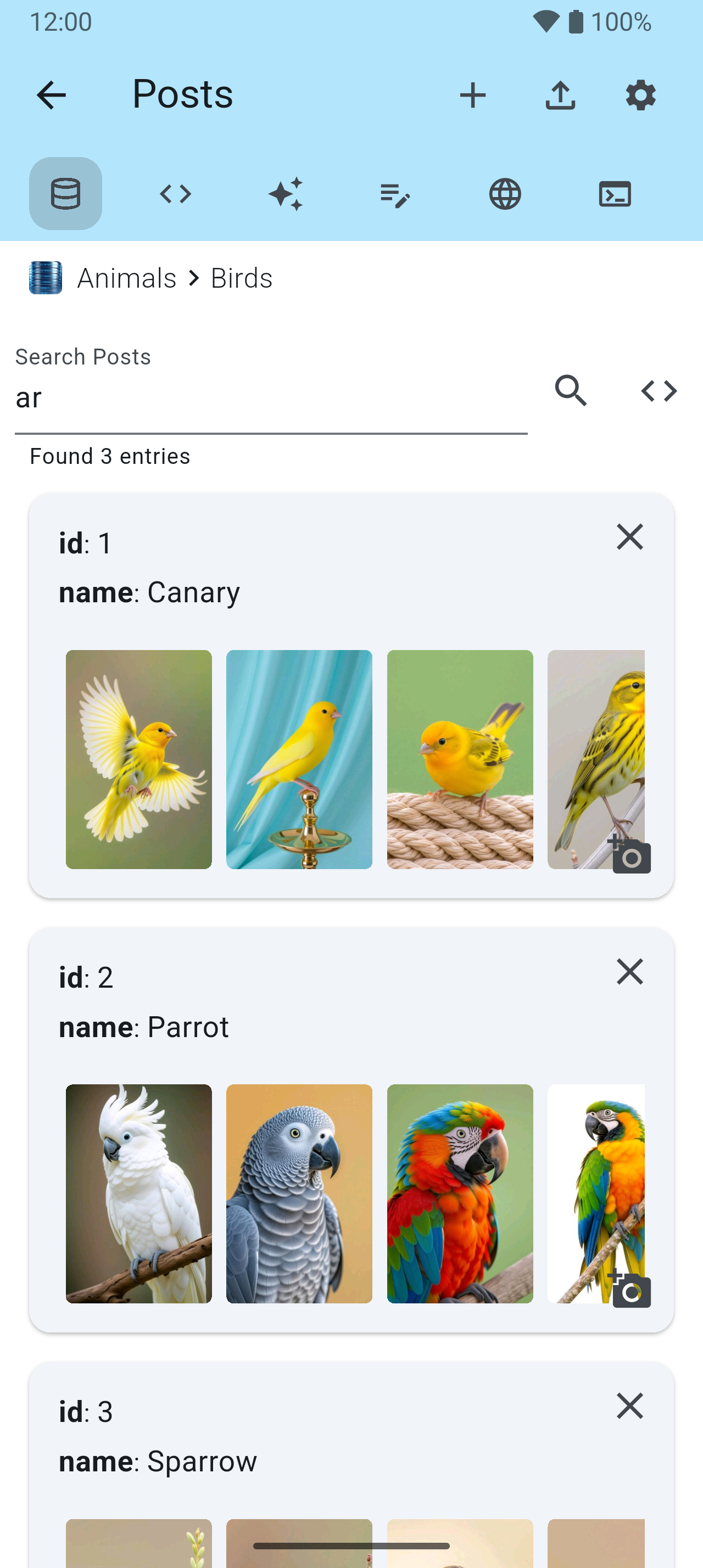
<> beside it takes a real SQL condition.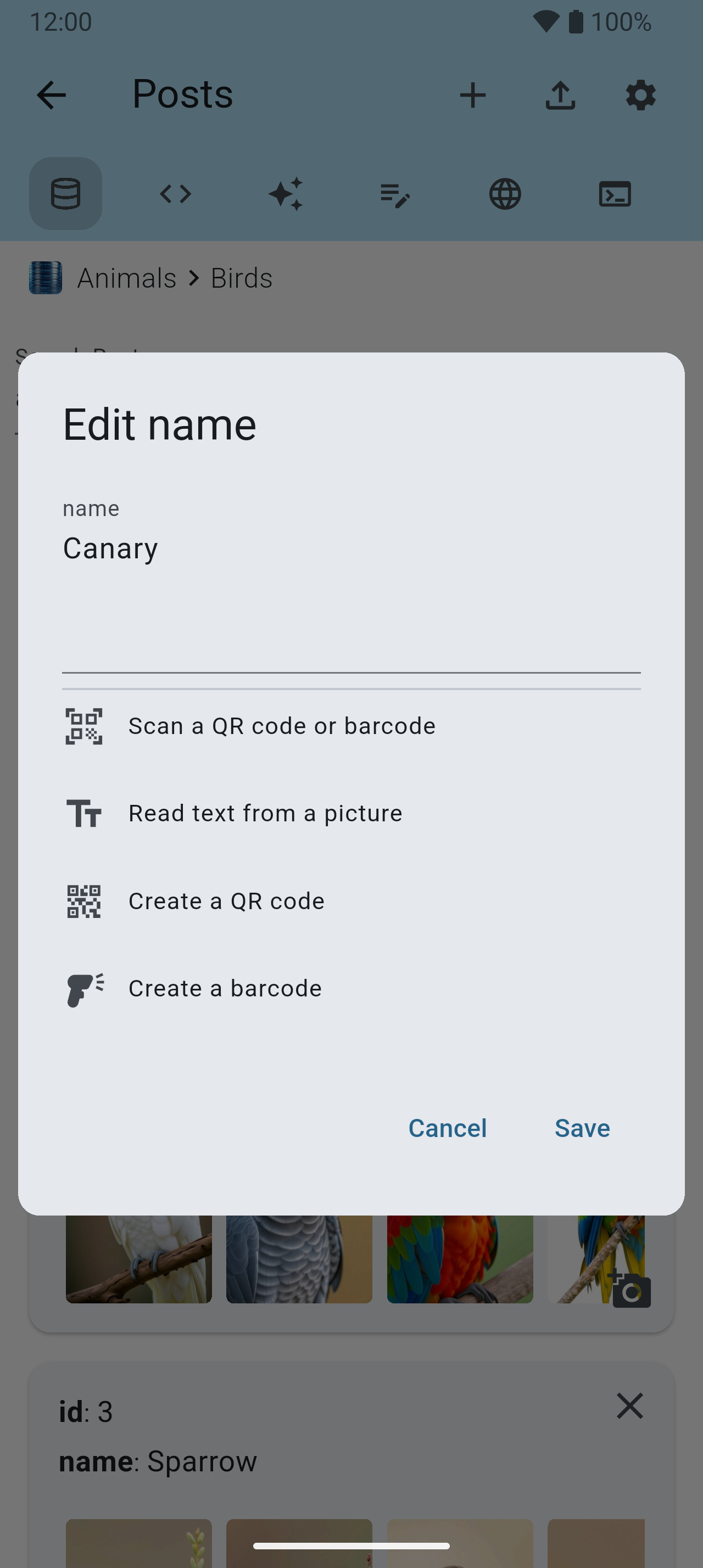
Pictures & codes 13–20
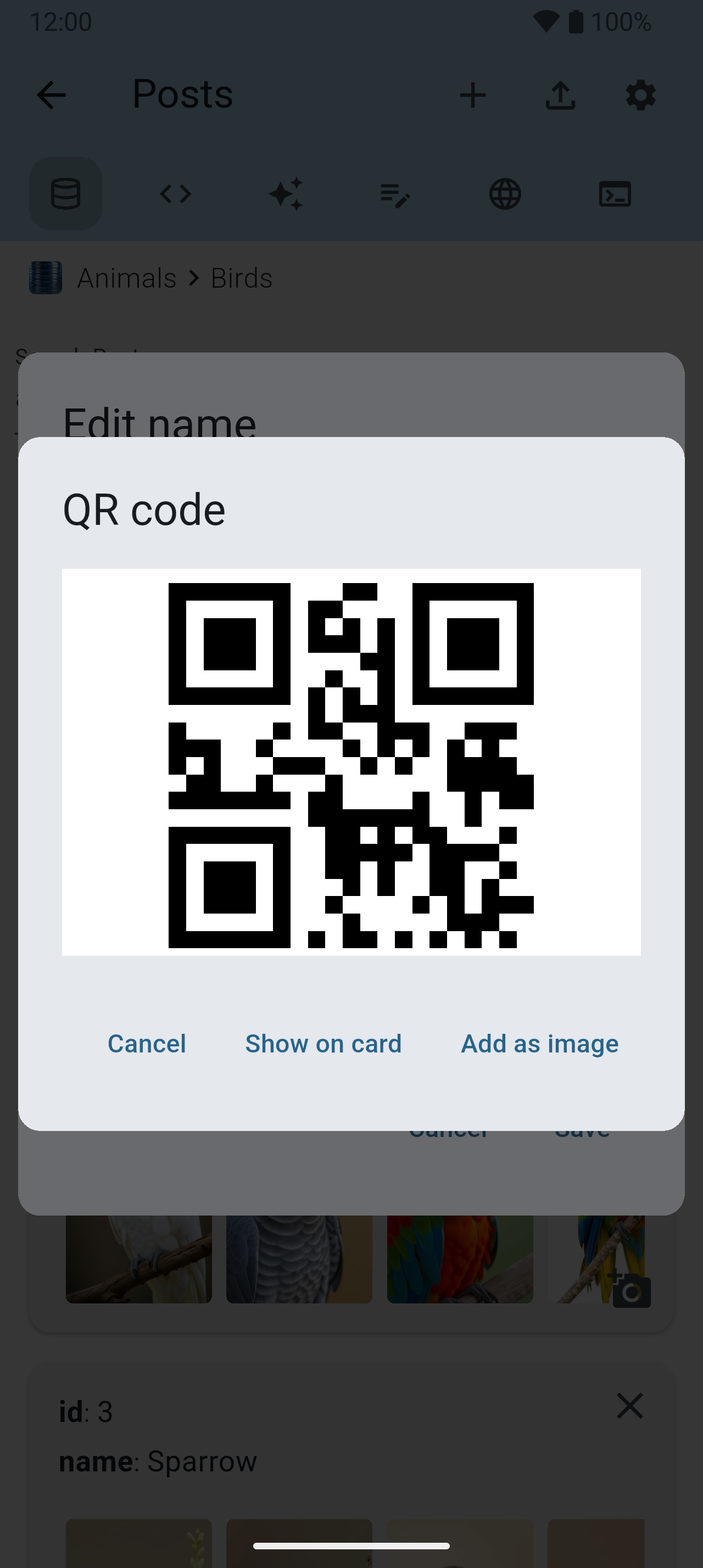
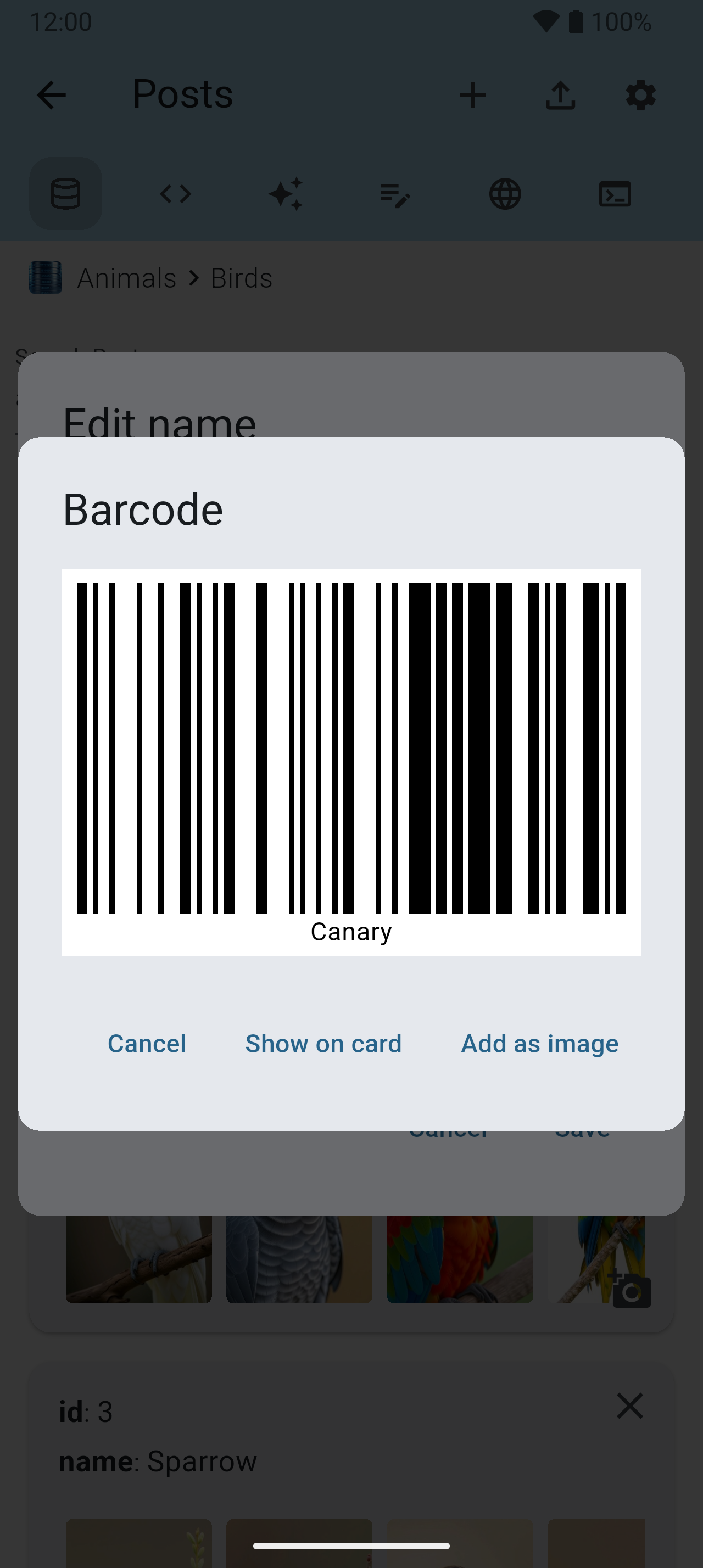
Any record can carry pictures — kept beside the database on the phone, or on your own server for a MySQL database.


Post Settings & columns 21–26
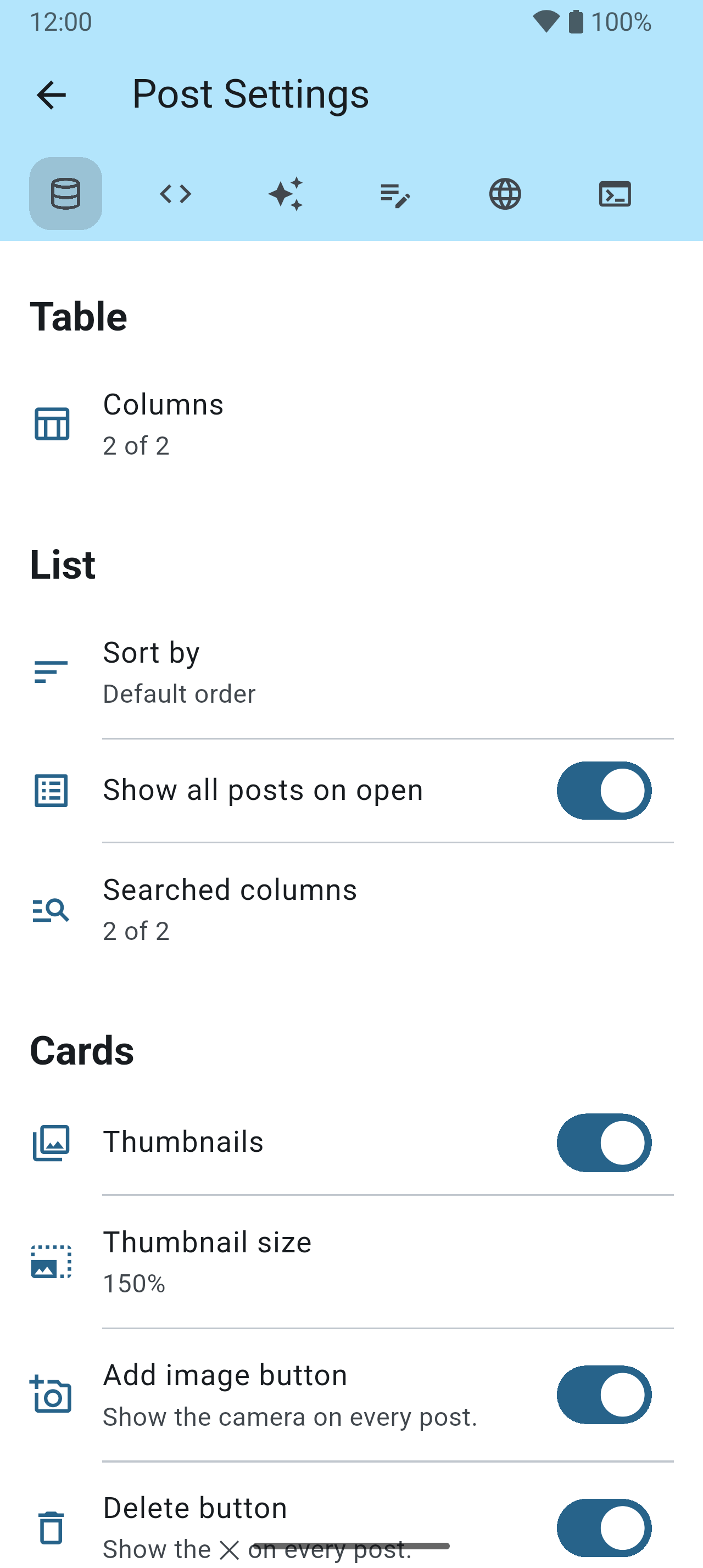
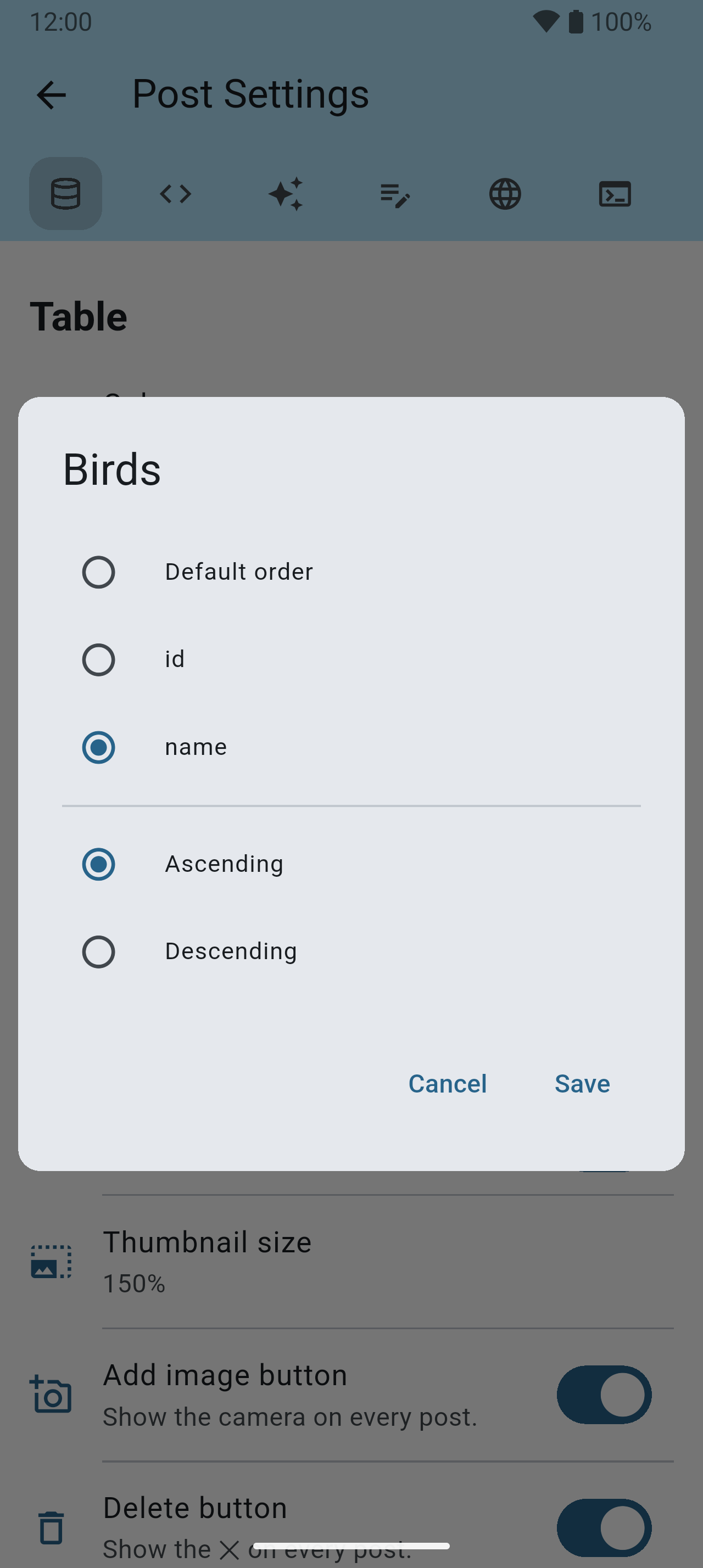
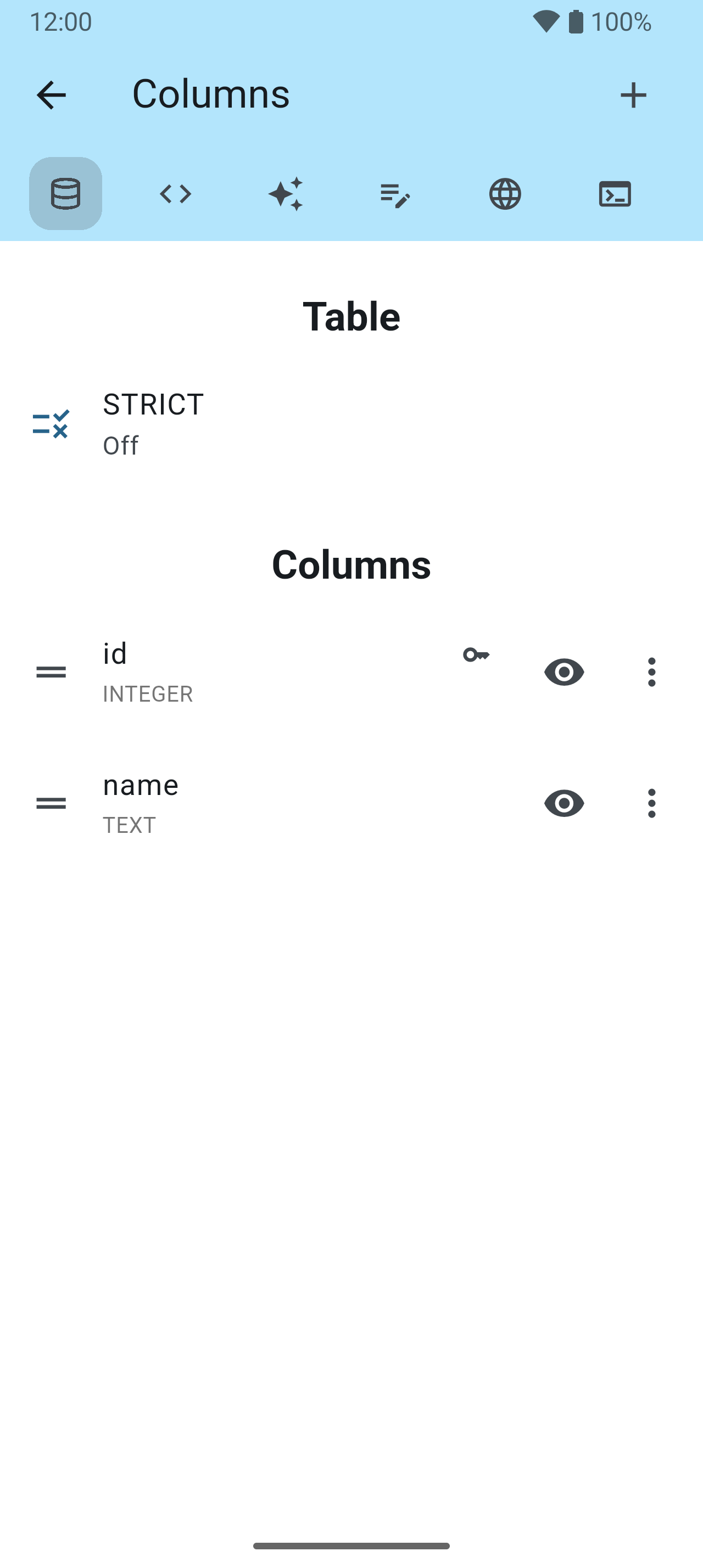
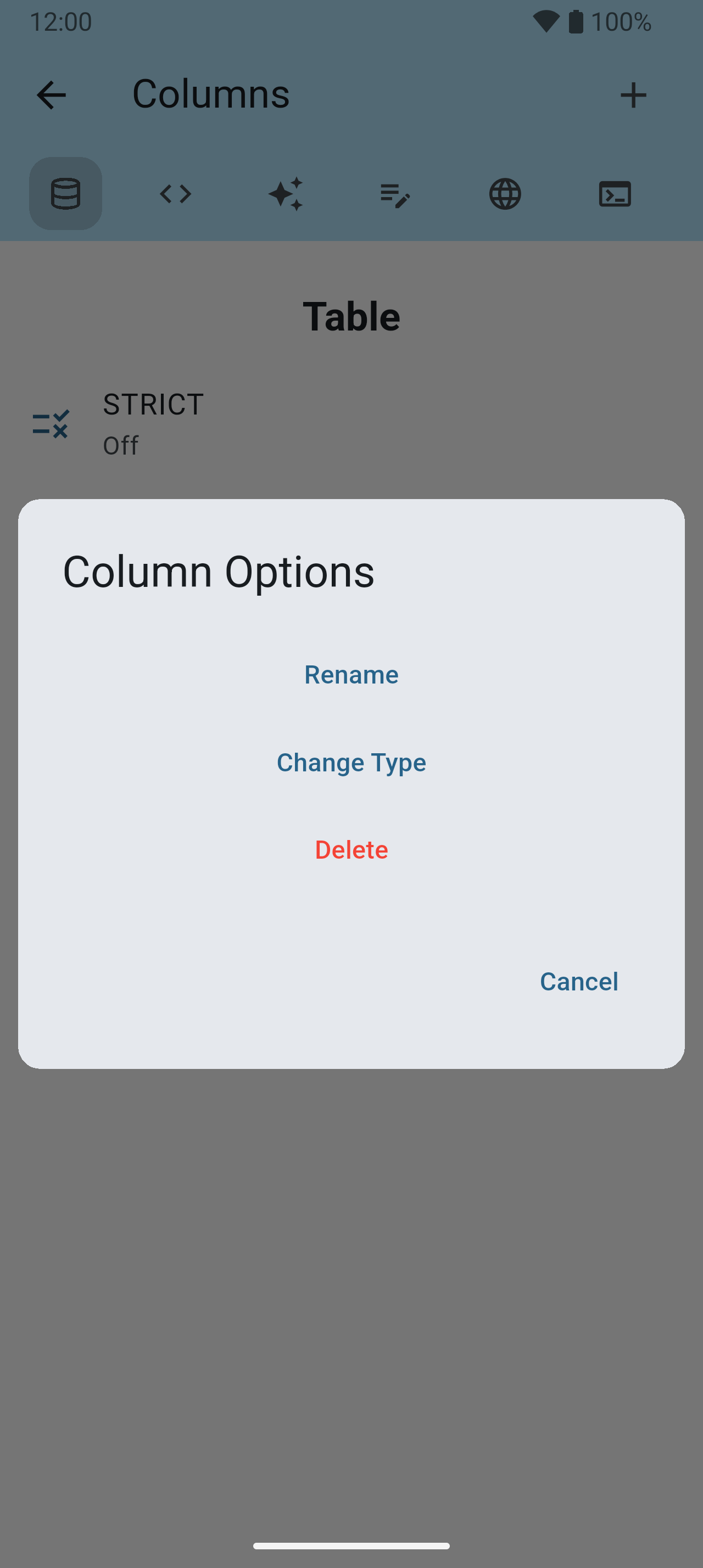
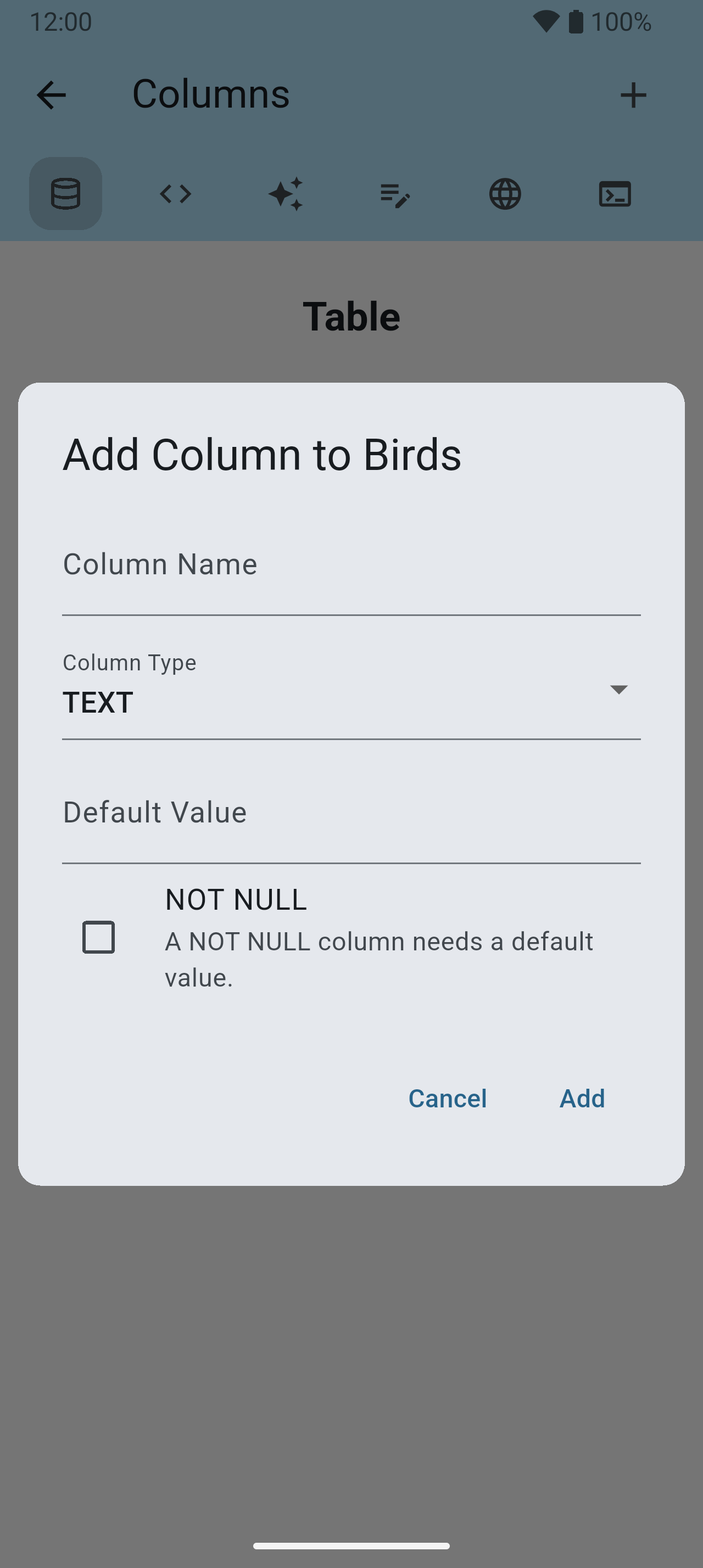
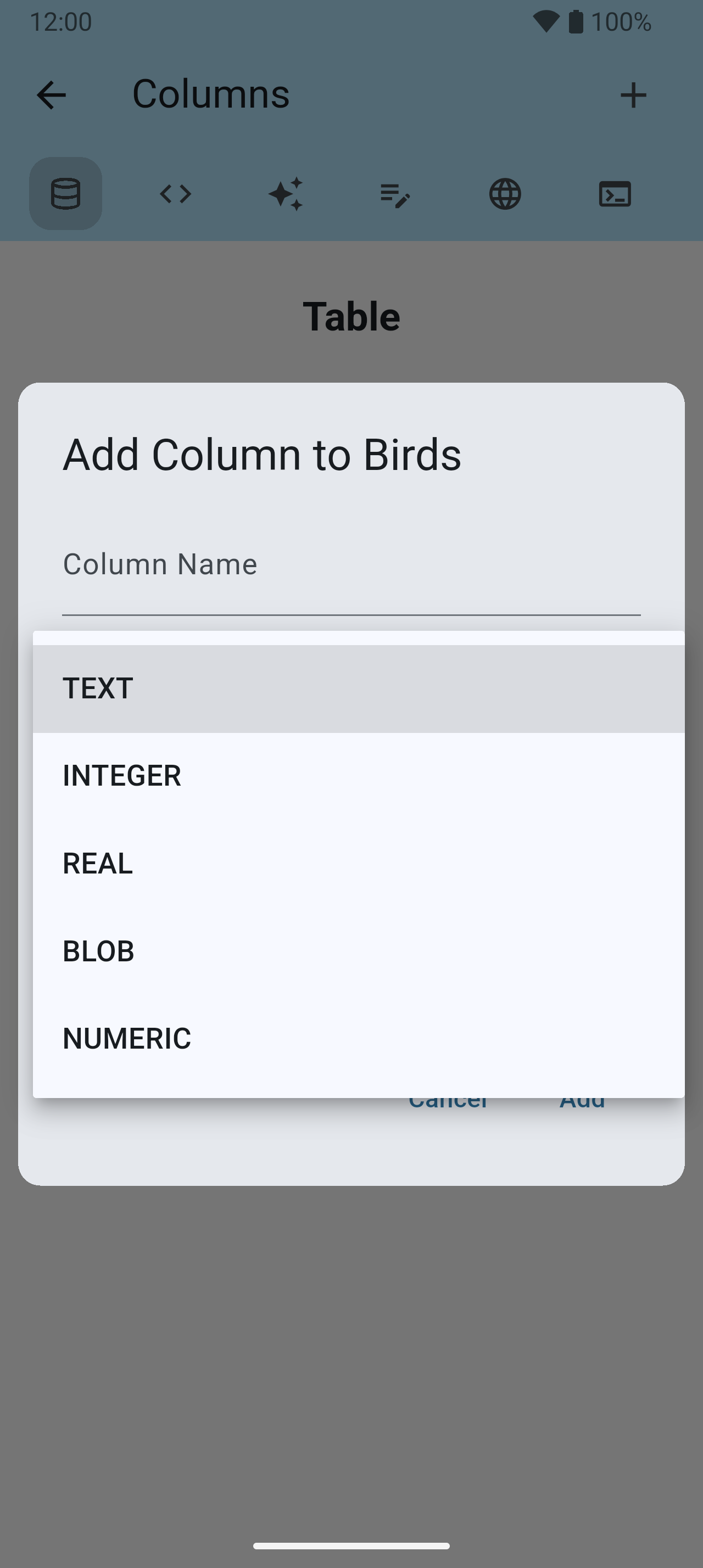
The ⚙ on a table’s posts holds everything about that one table: its columns, its order, what is searched and how the cards look.
Export & import 27–30
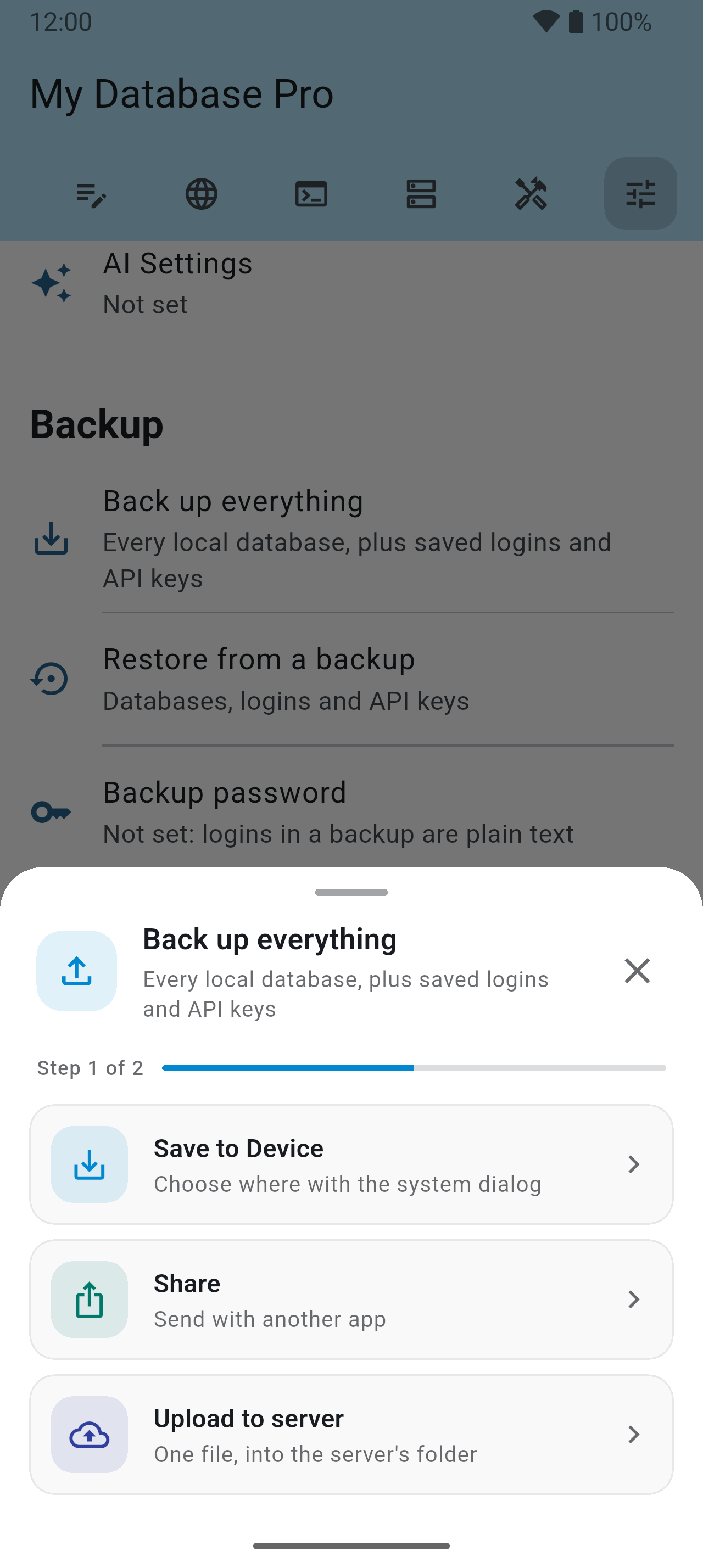
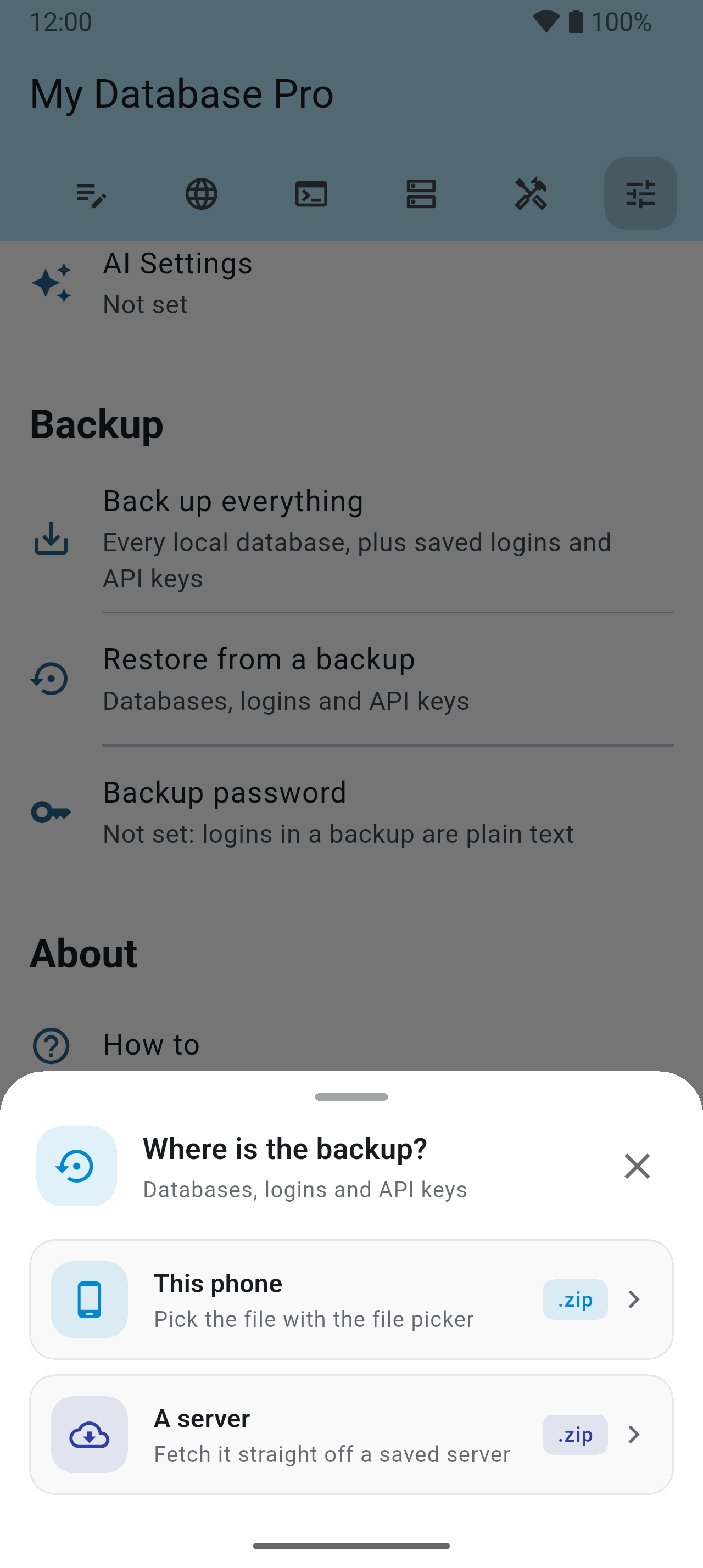
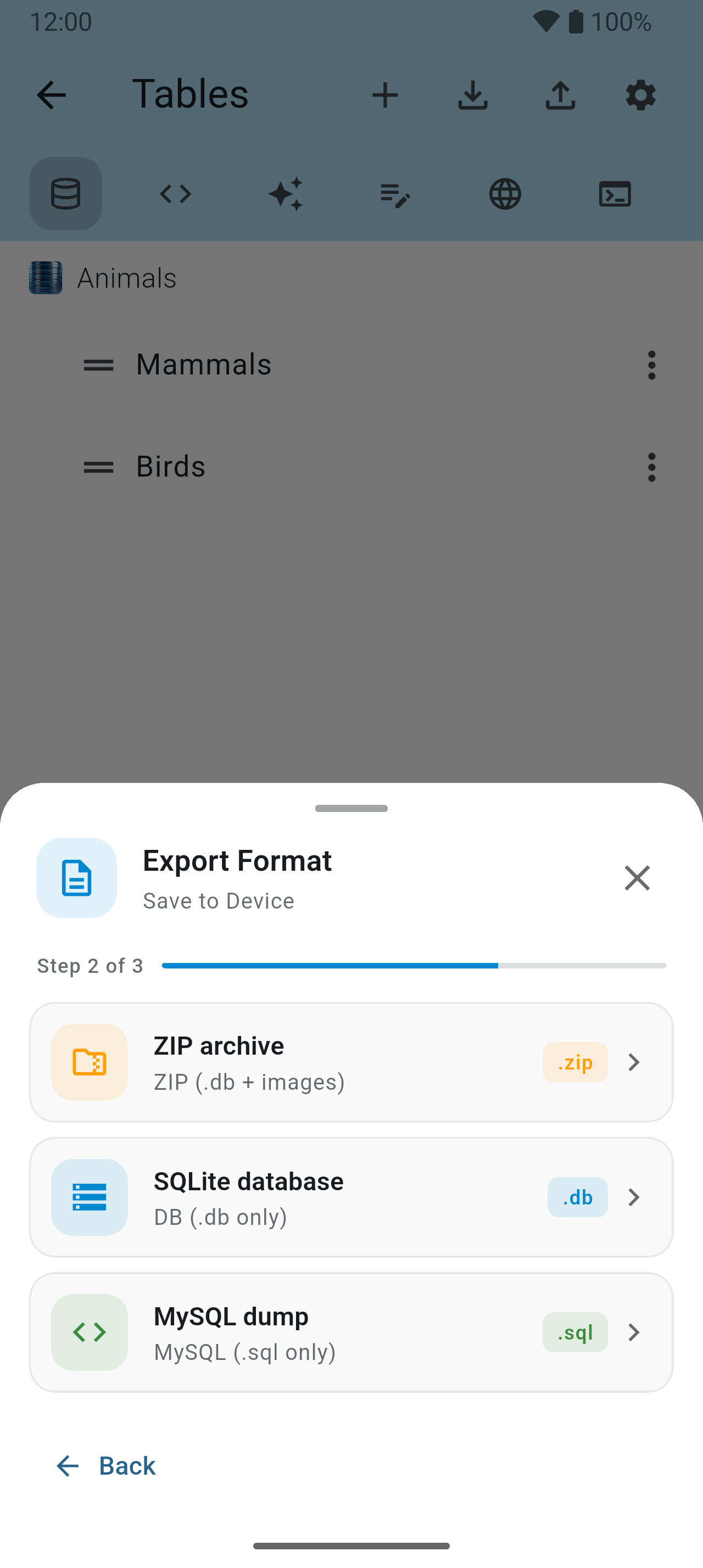
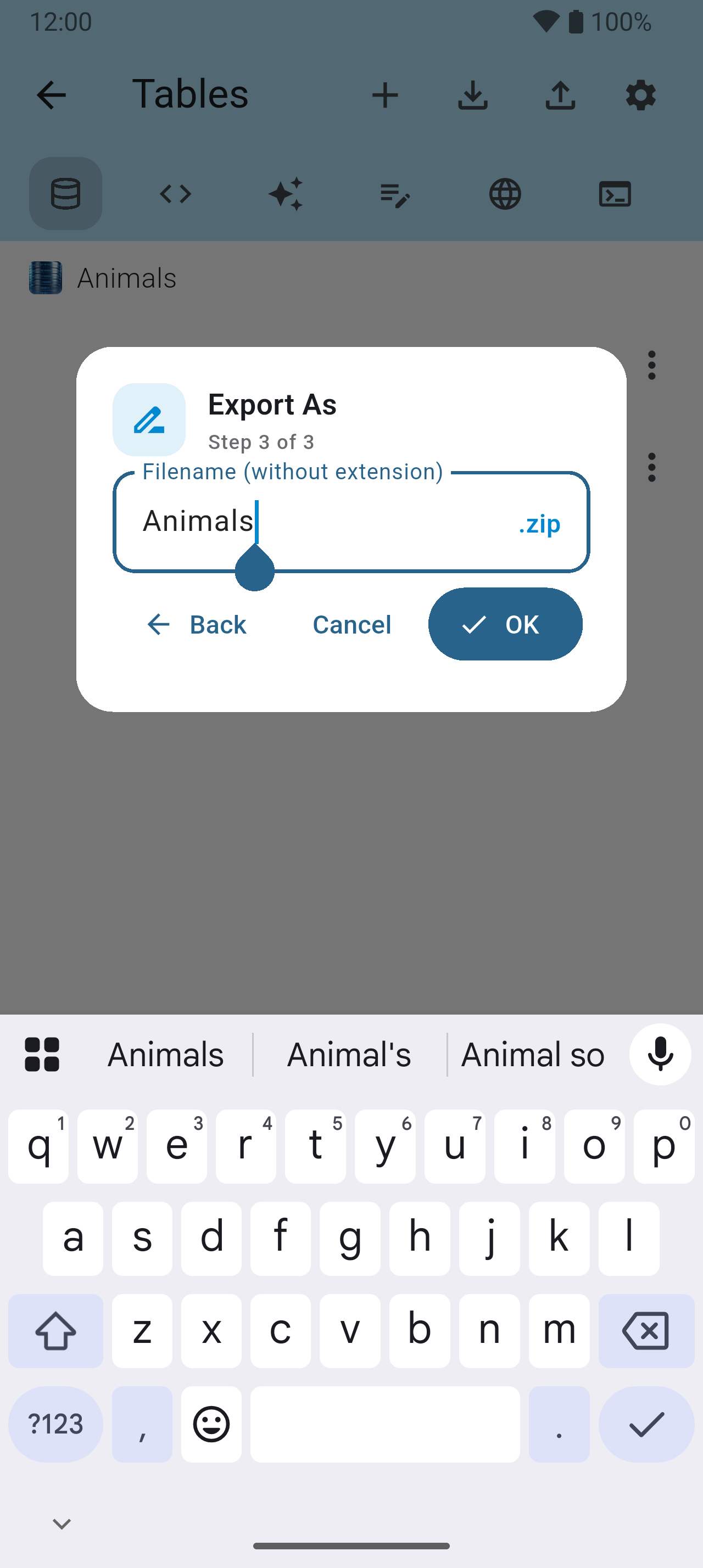
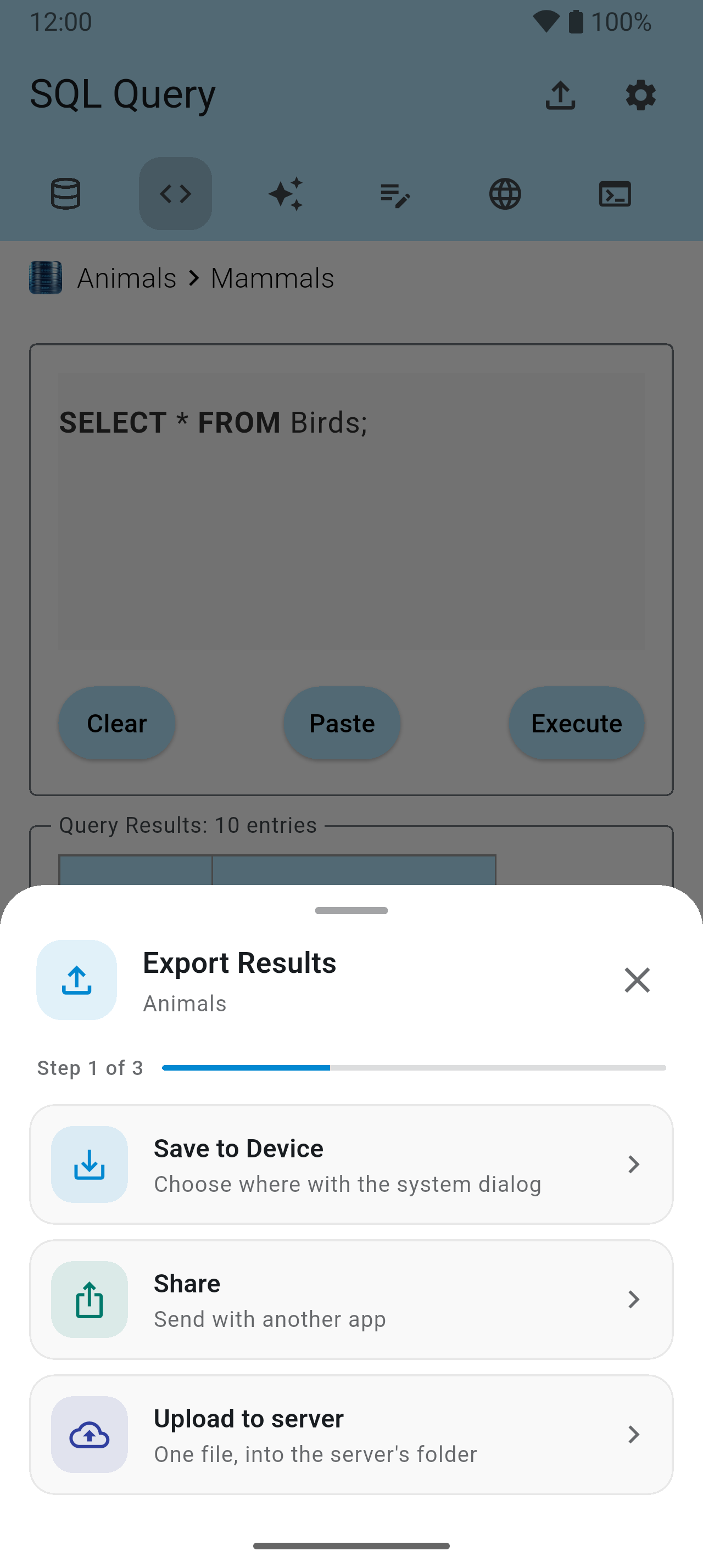
A database, a table or a search result can leave the phone in a few steps — and come back the same way.

SQL Query 31–37
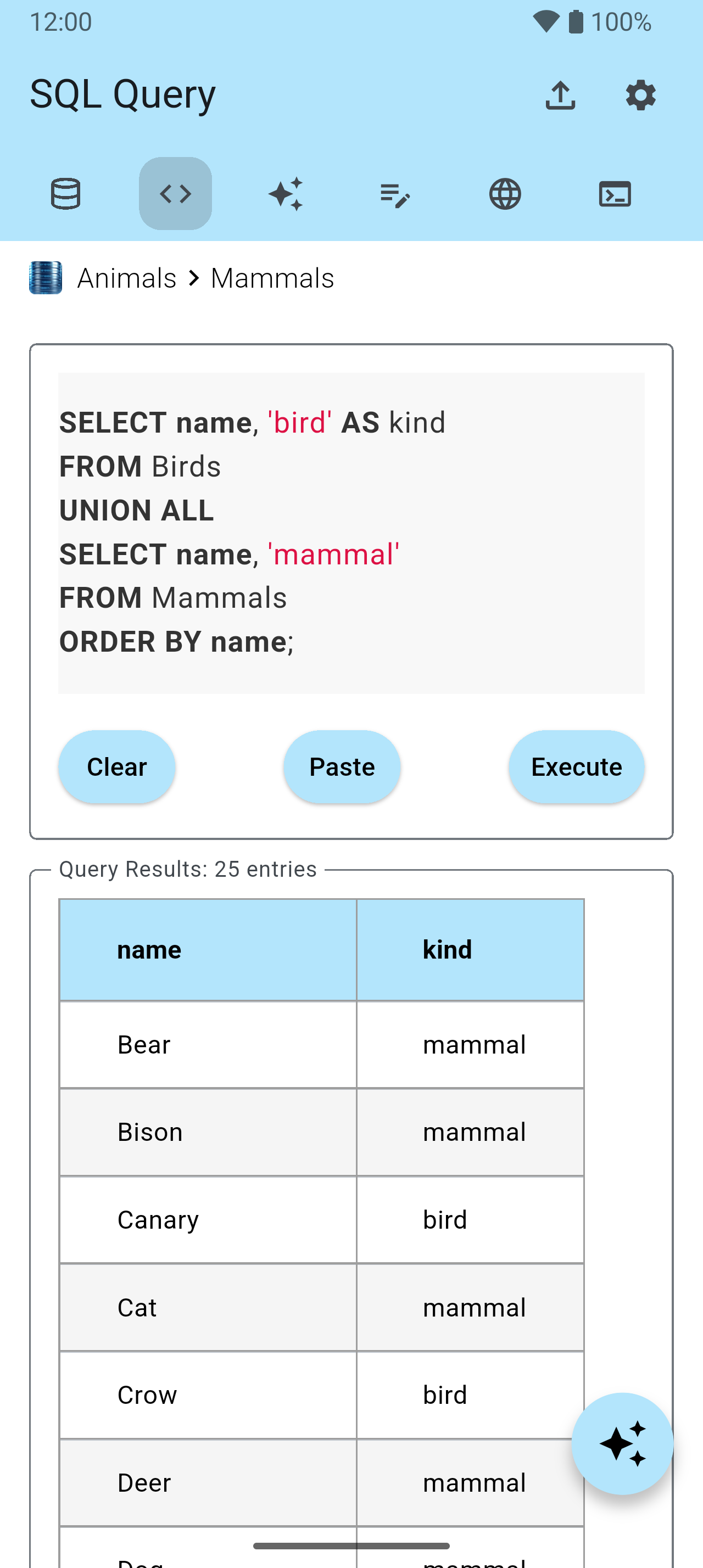
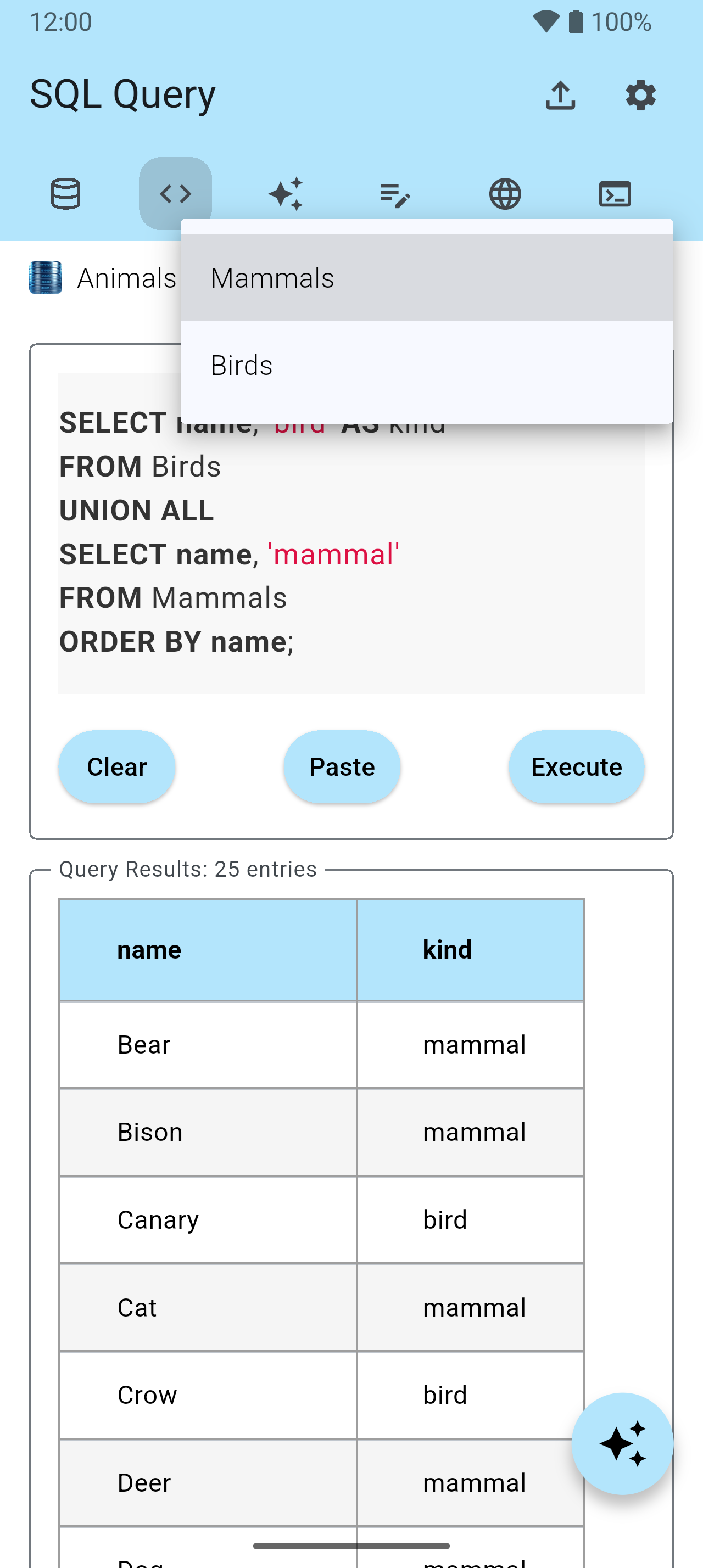
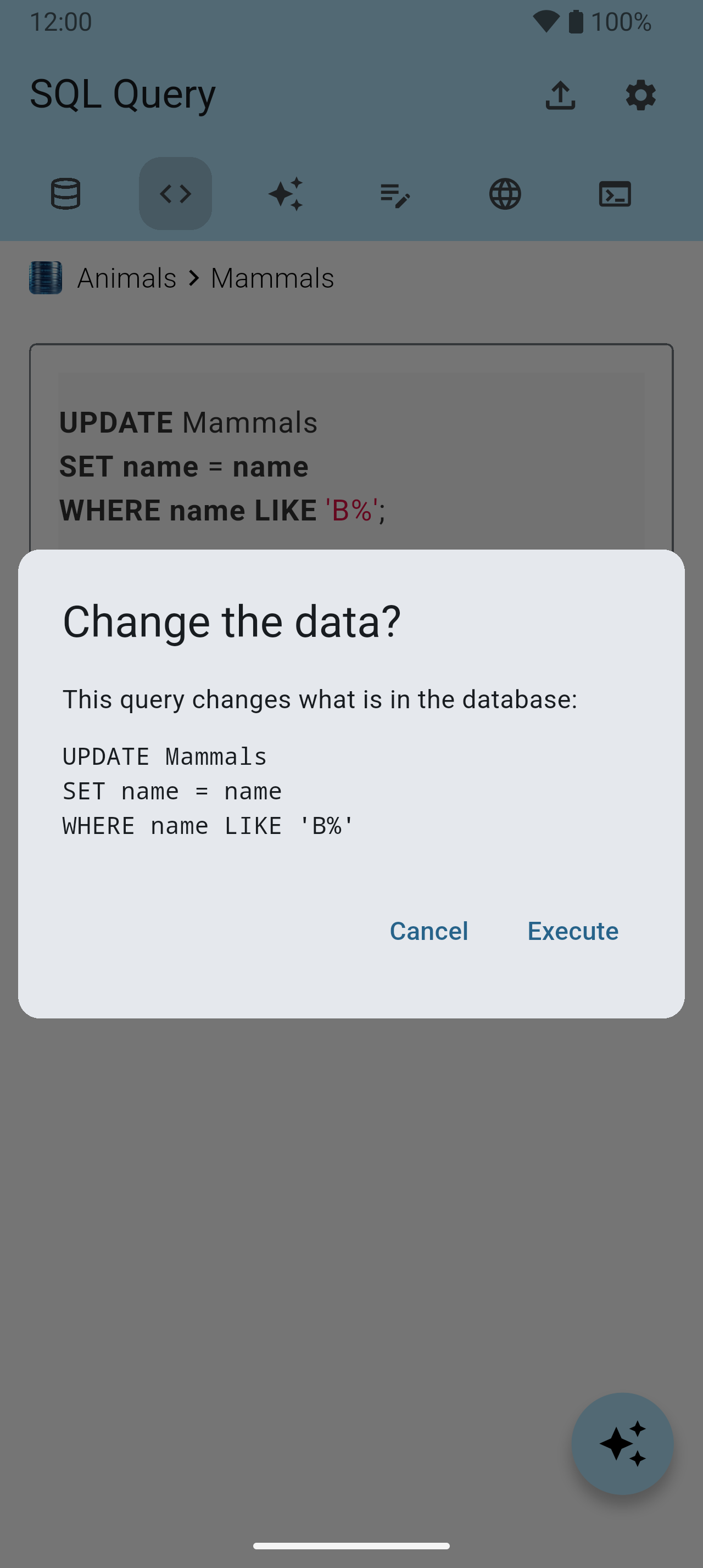
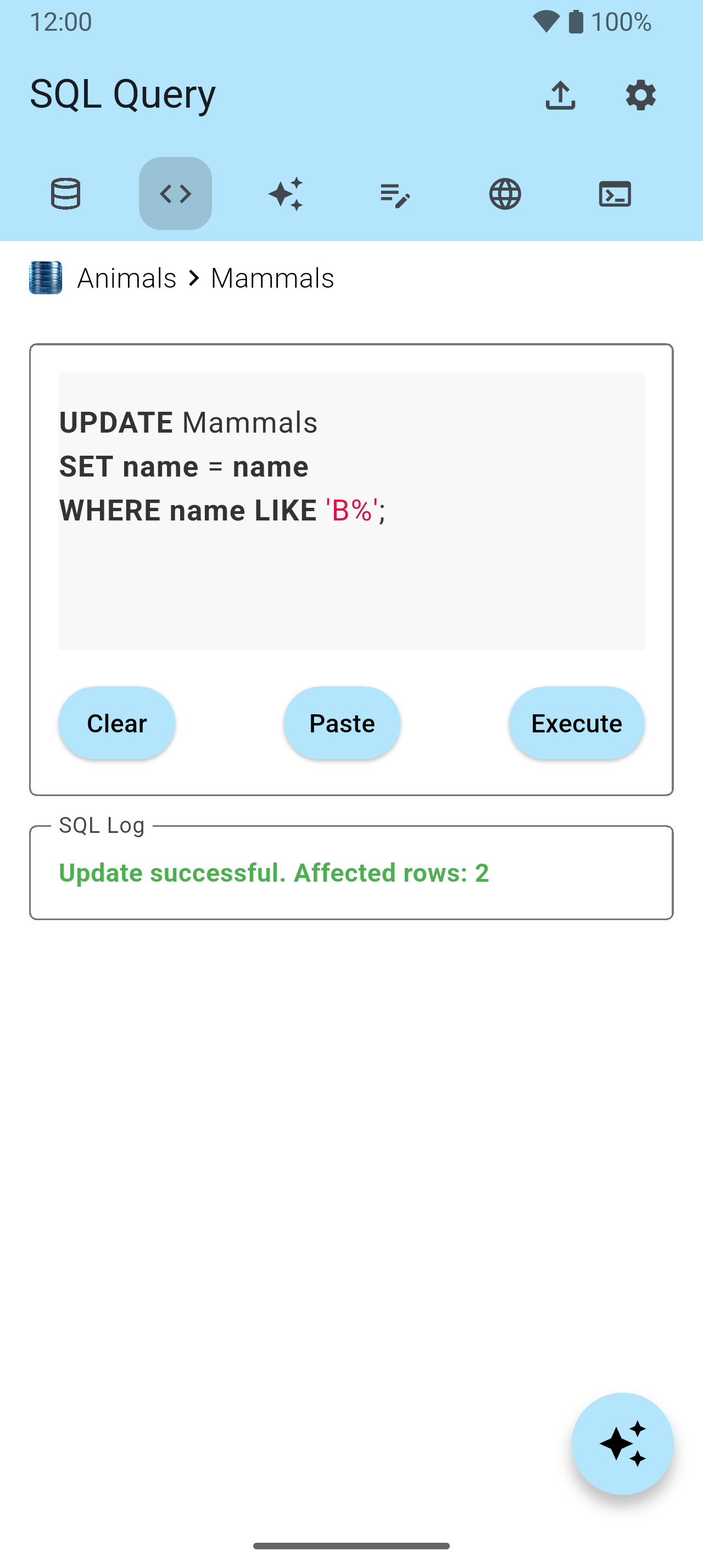
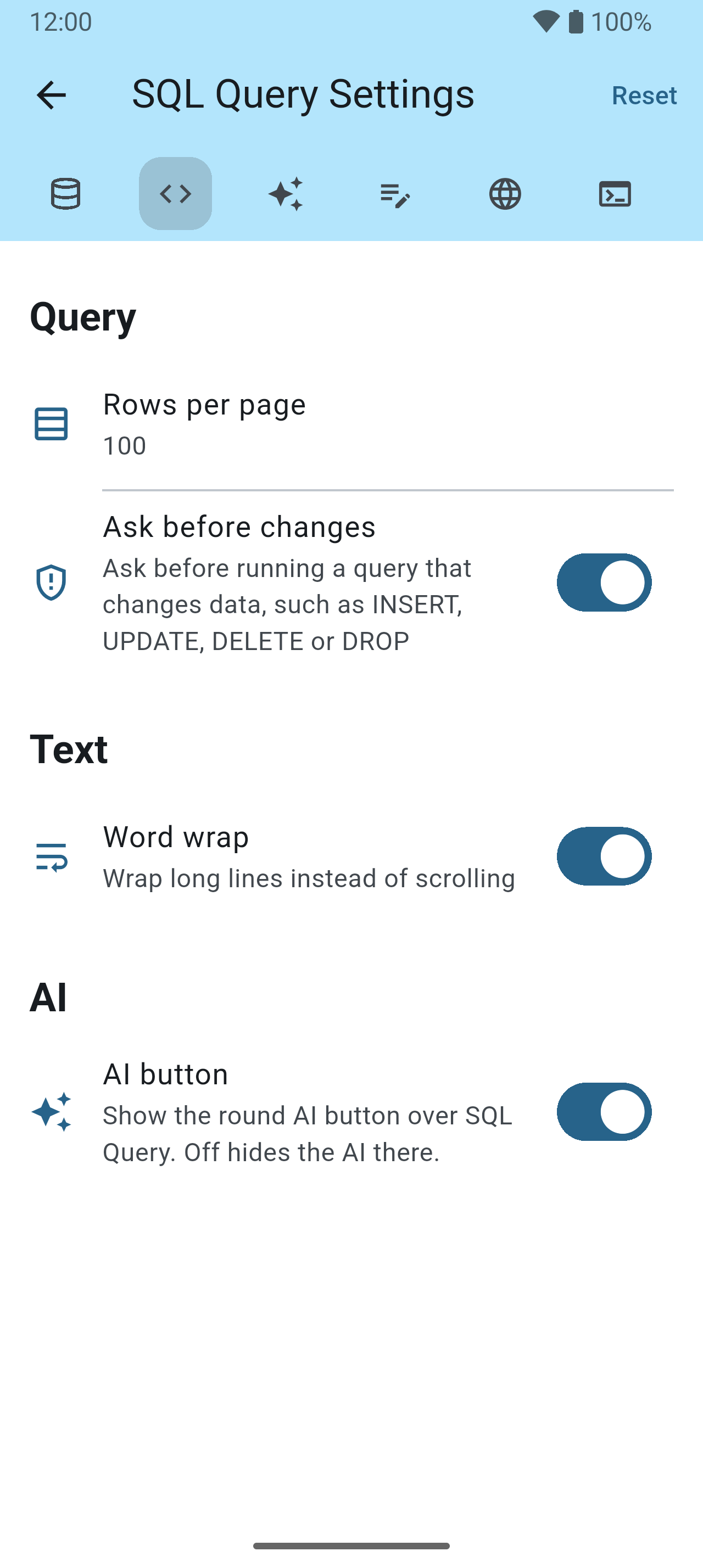
Write any SQL against the database you are in — queries, updates, schema changes — and page through the answer.
AI 38–40
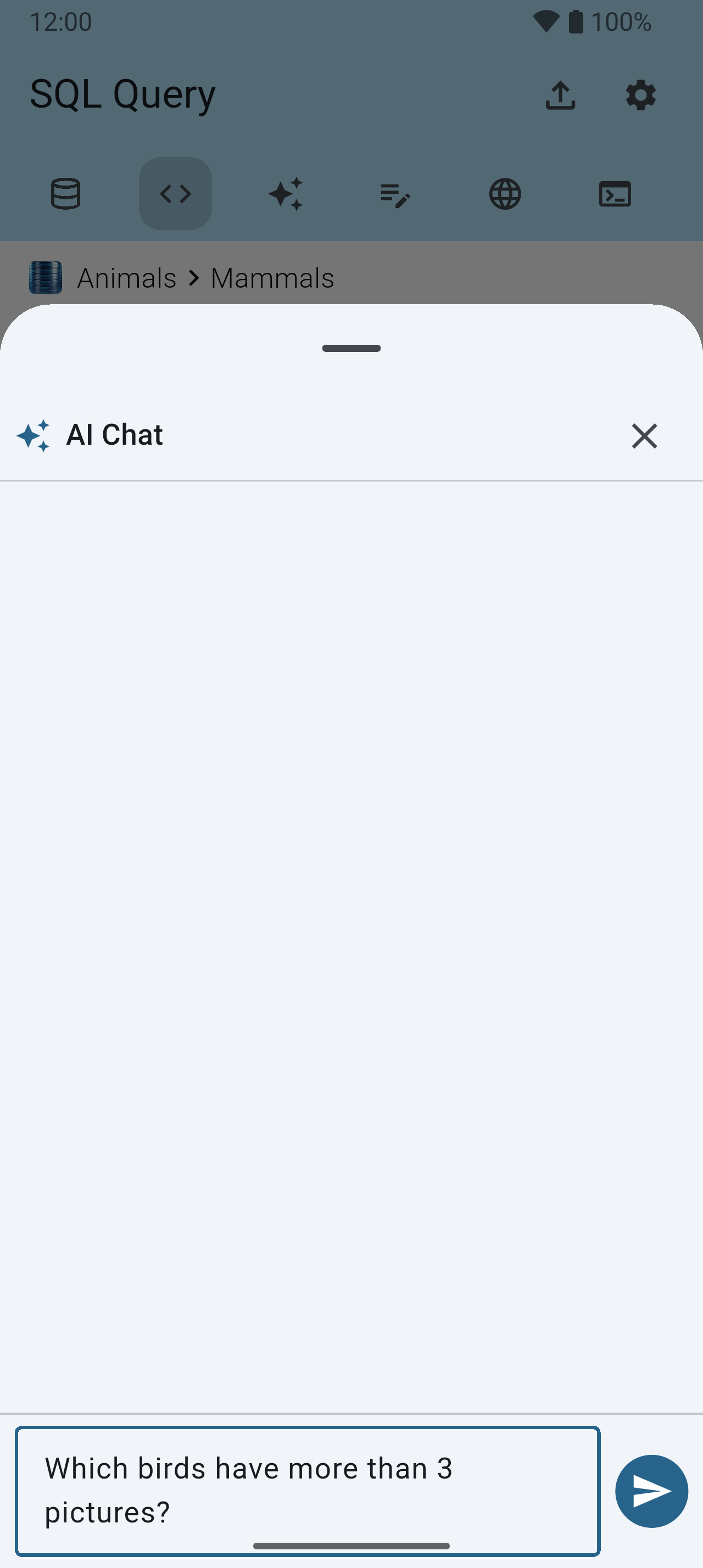
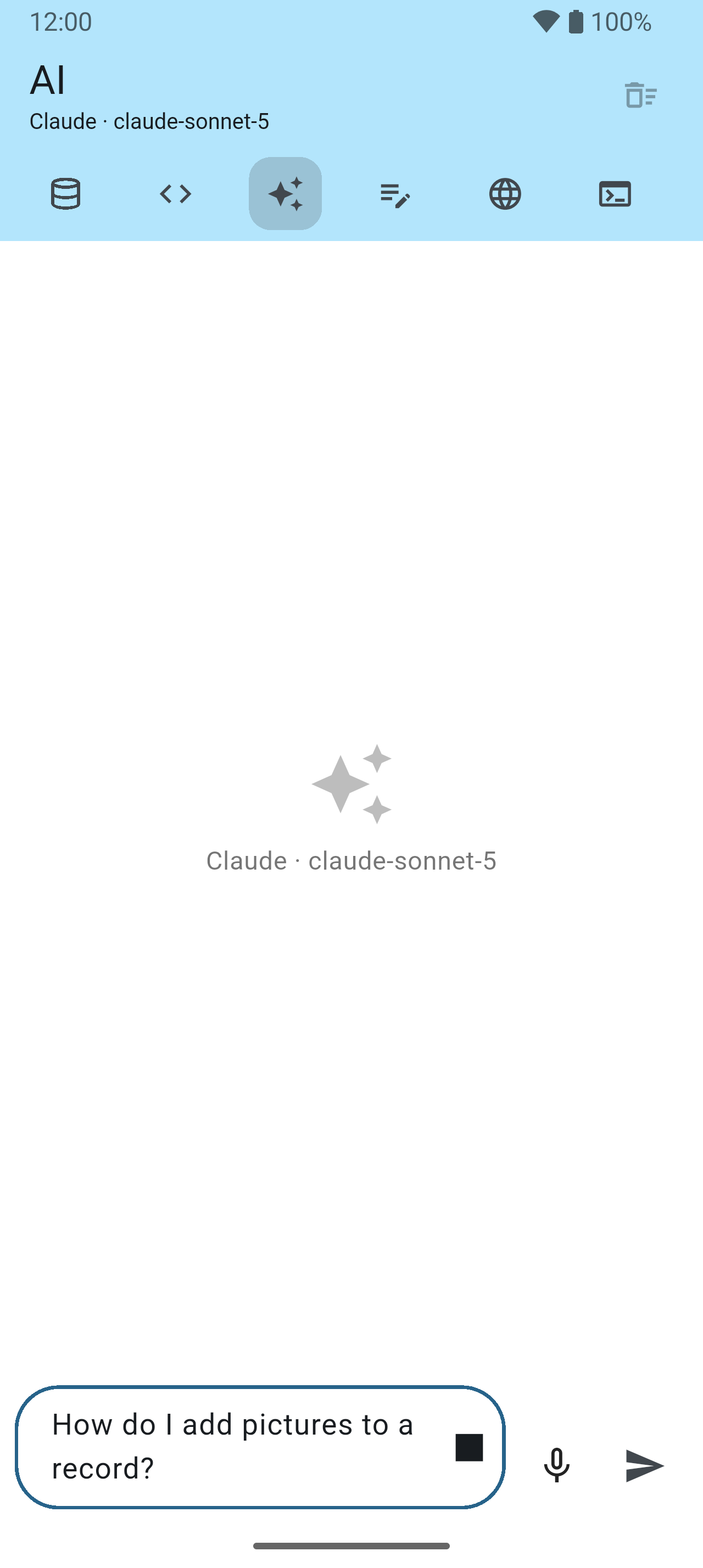
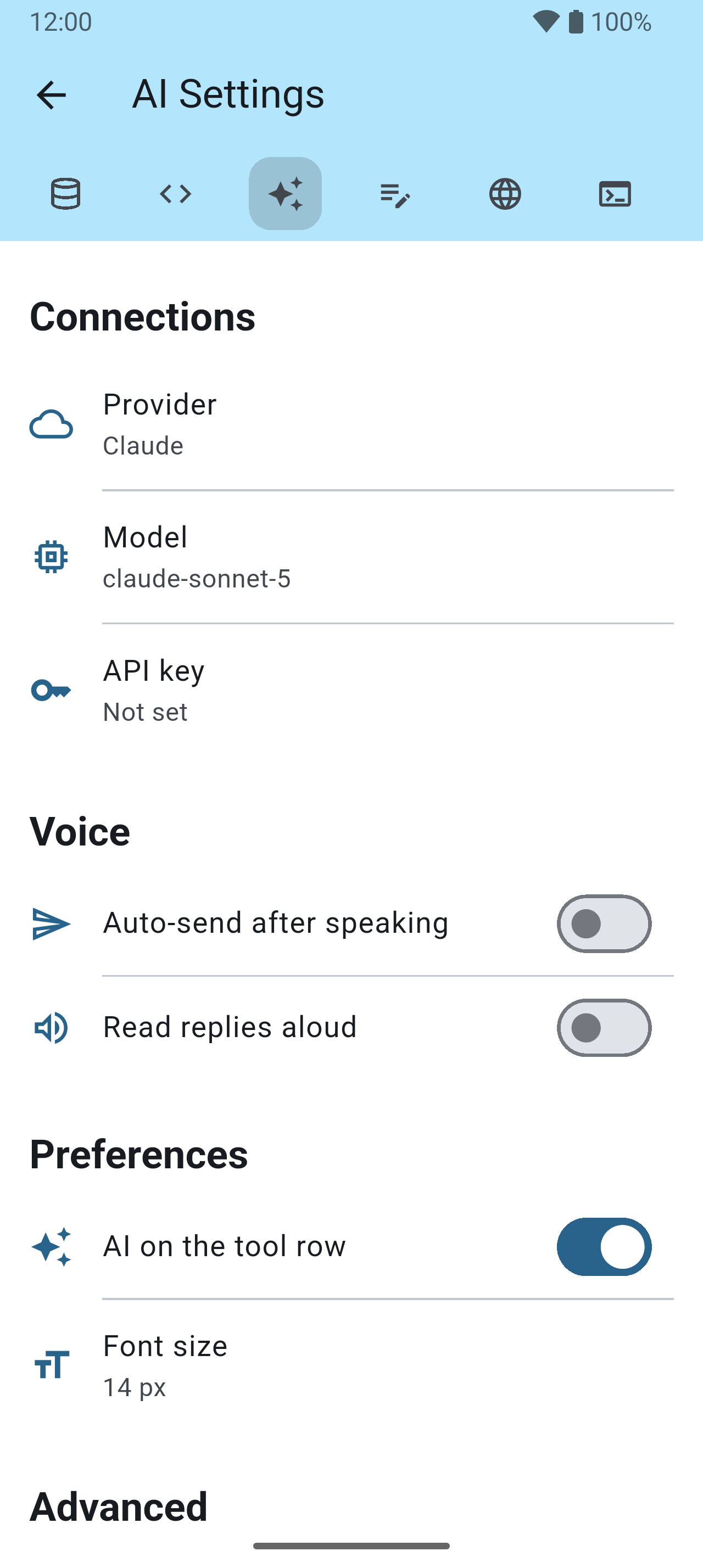
A chat for any question — including how the app itself works — with the model and the API key of your choice.

Editor — TXT, PHP and HTML 41–48
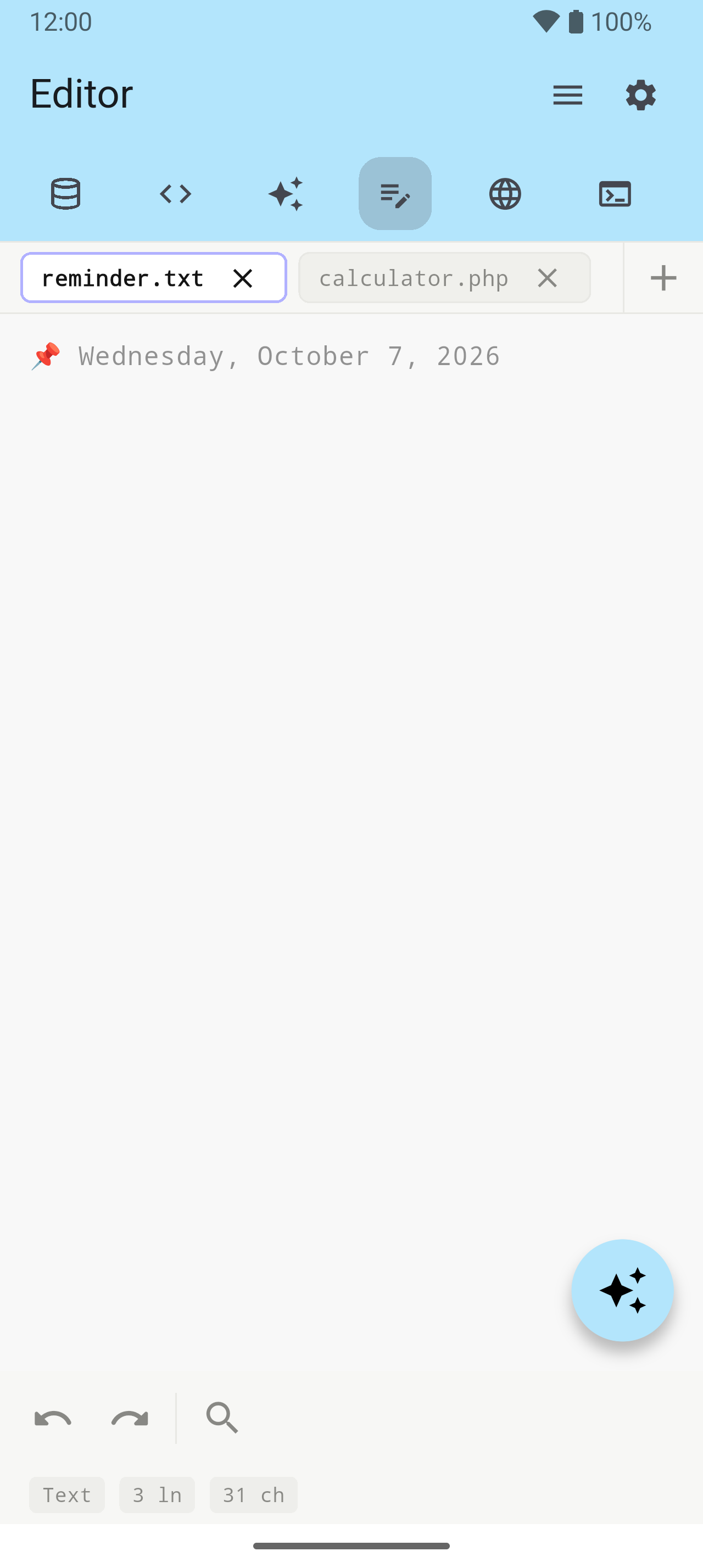
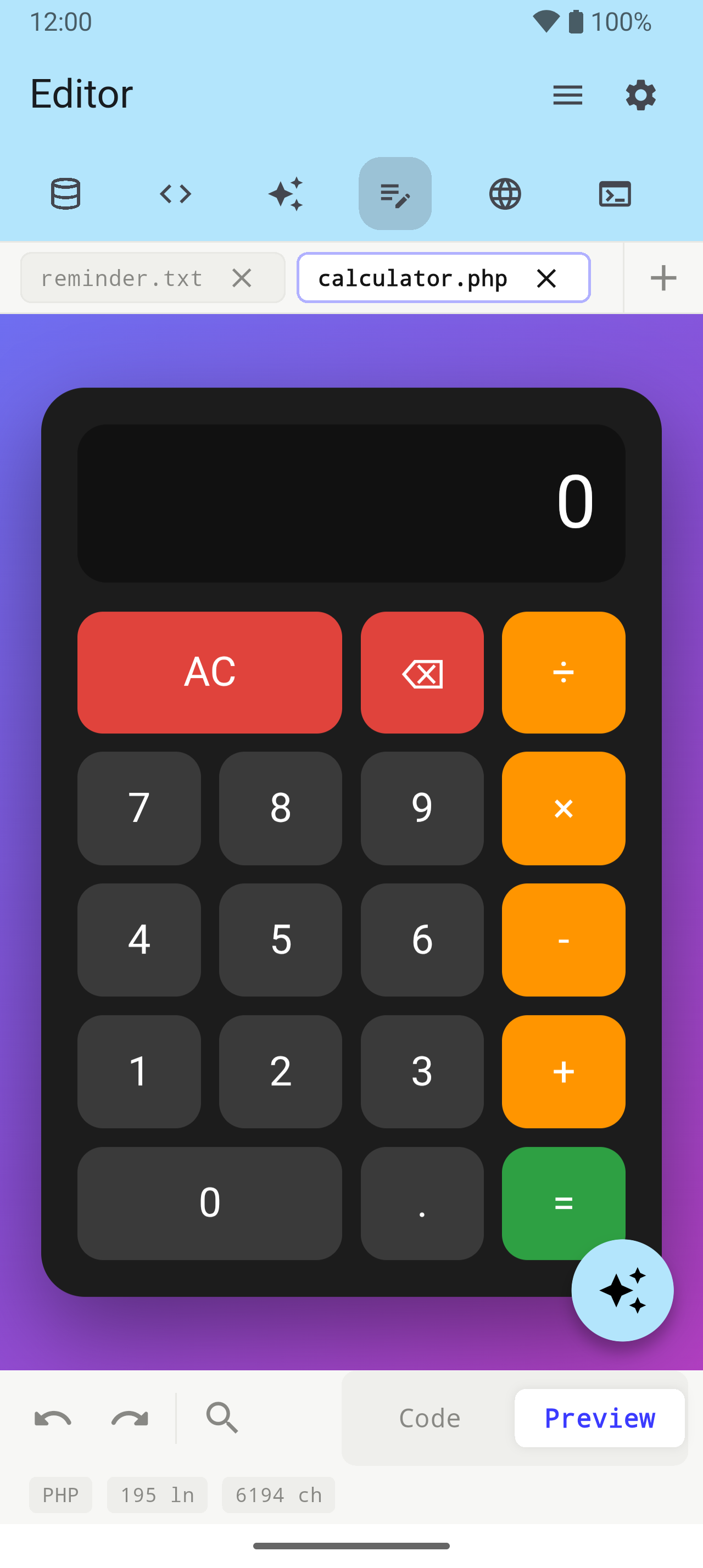
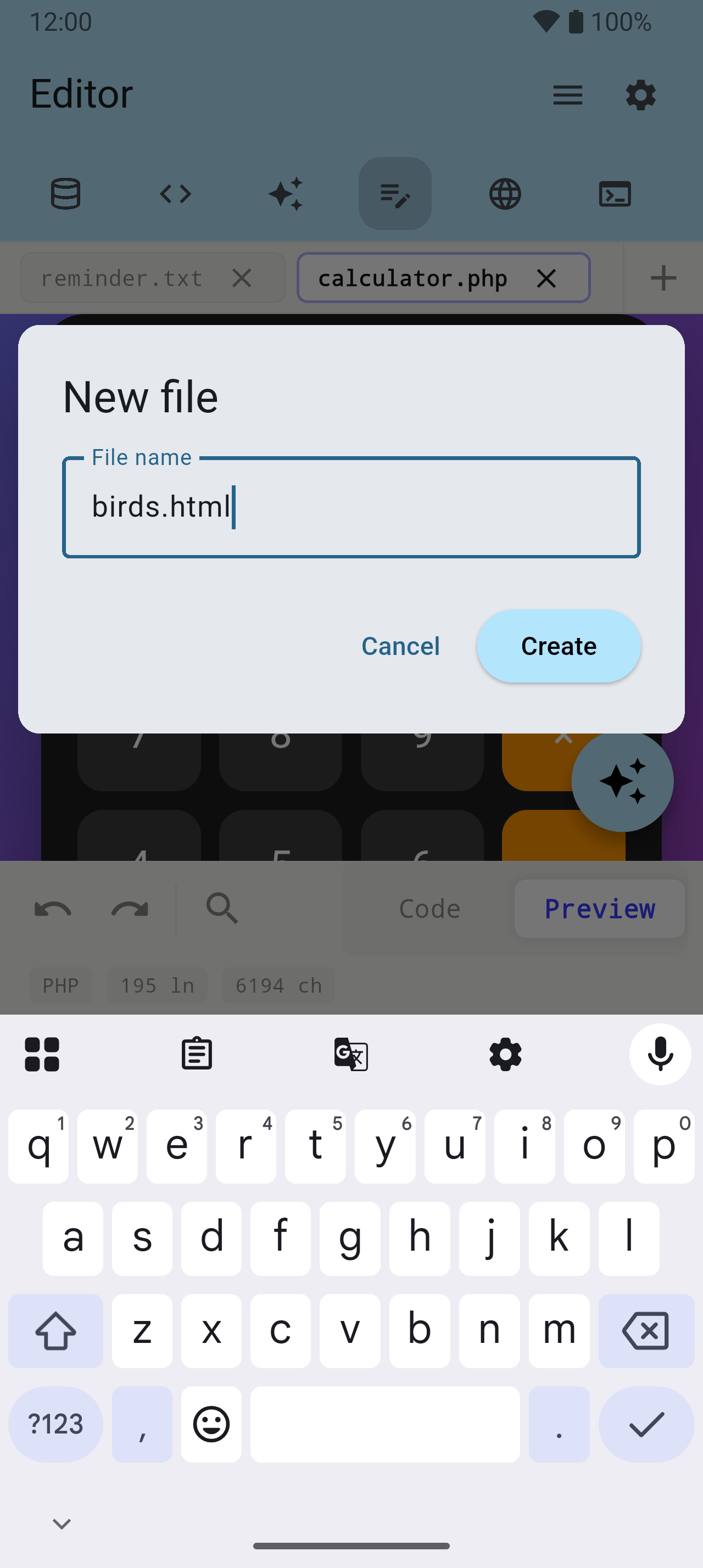
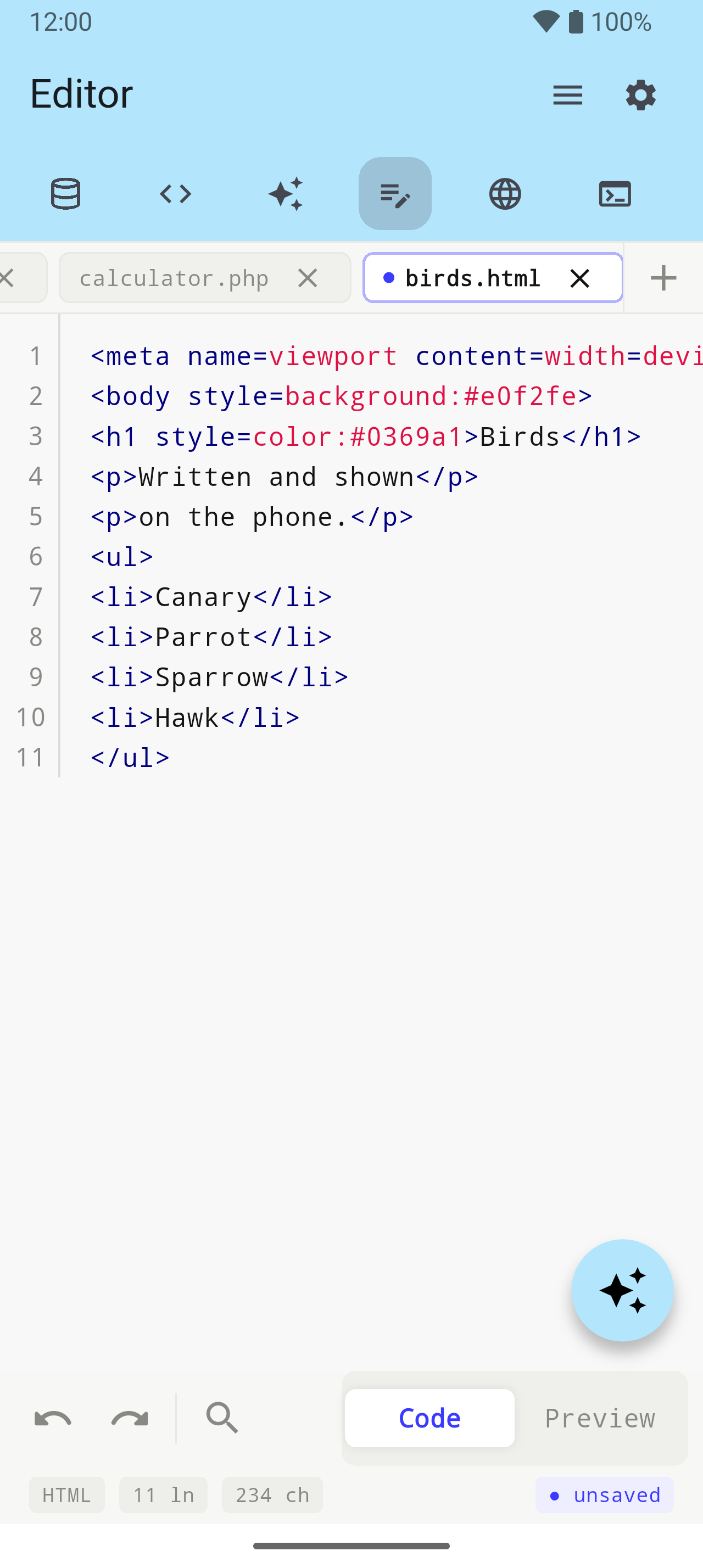
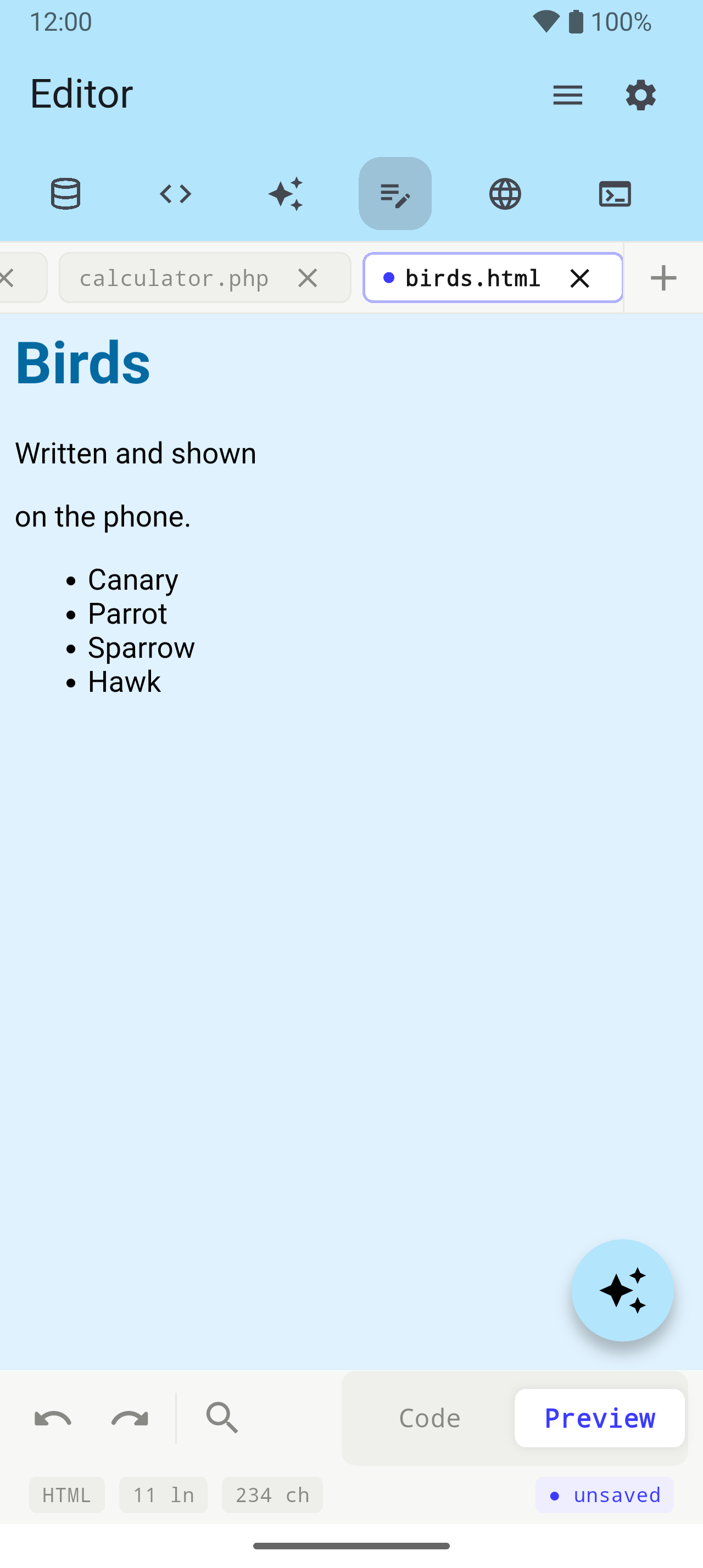
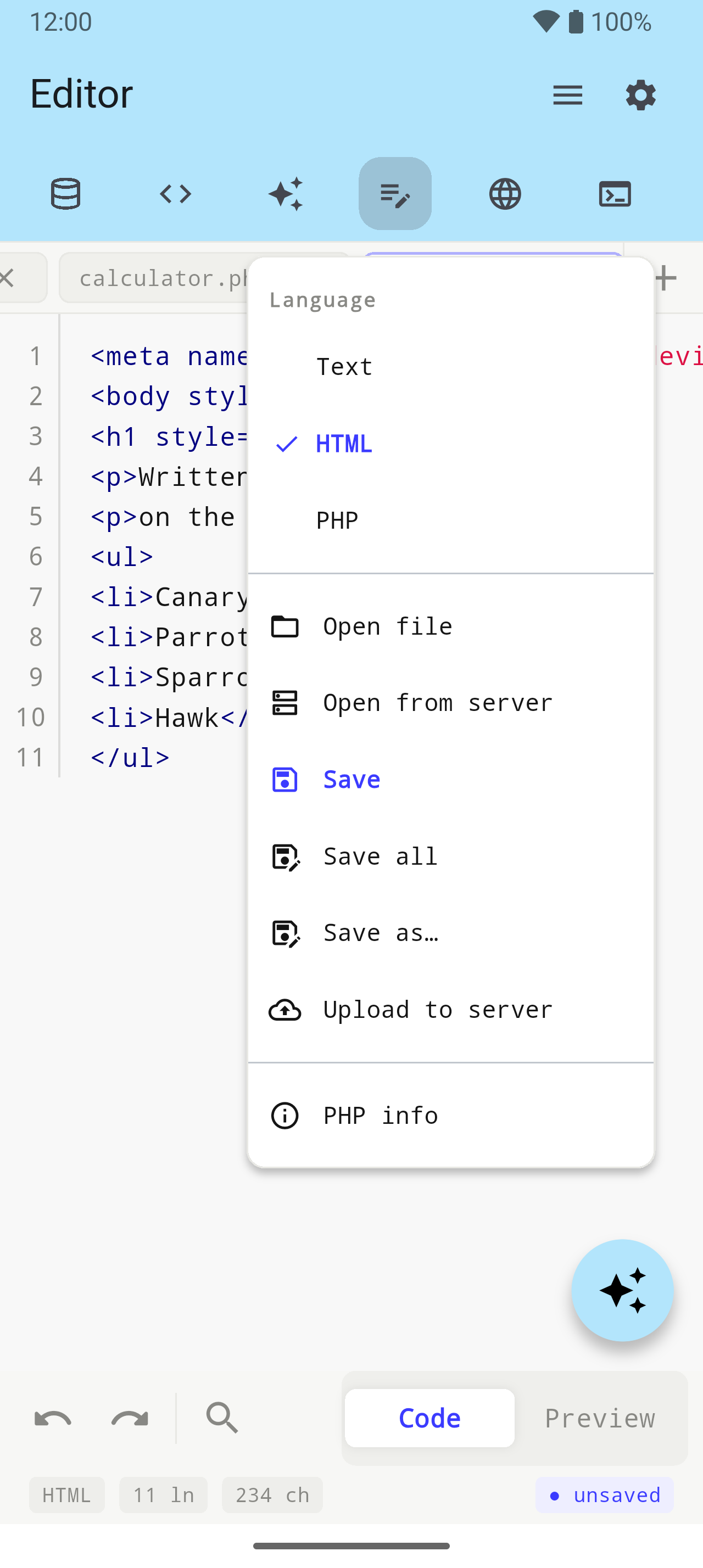
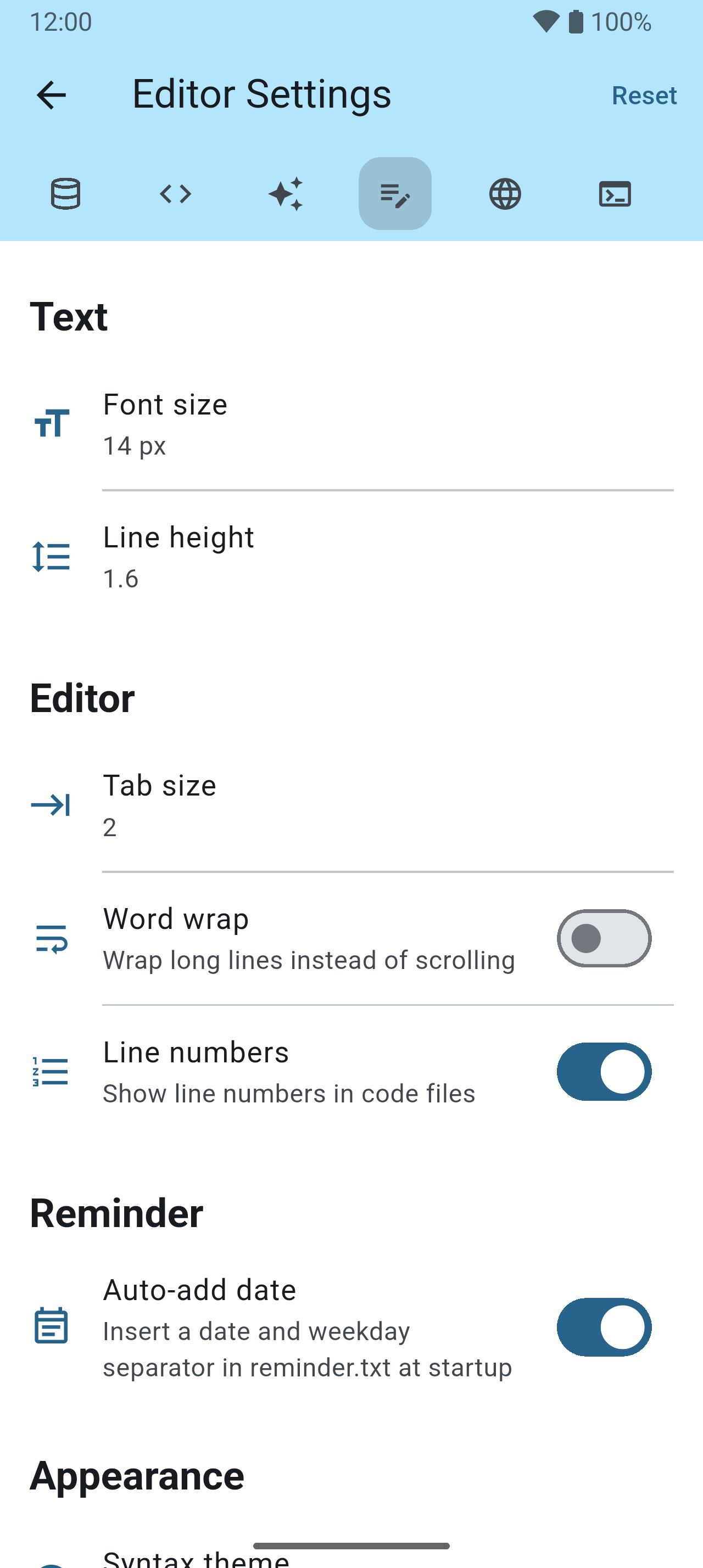
A code editor with tabs, syntax colours and undo — and a real PHP interpreter inside the app, so a PHP page runs on the phone with no server.

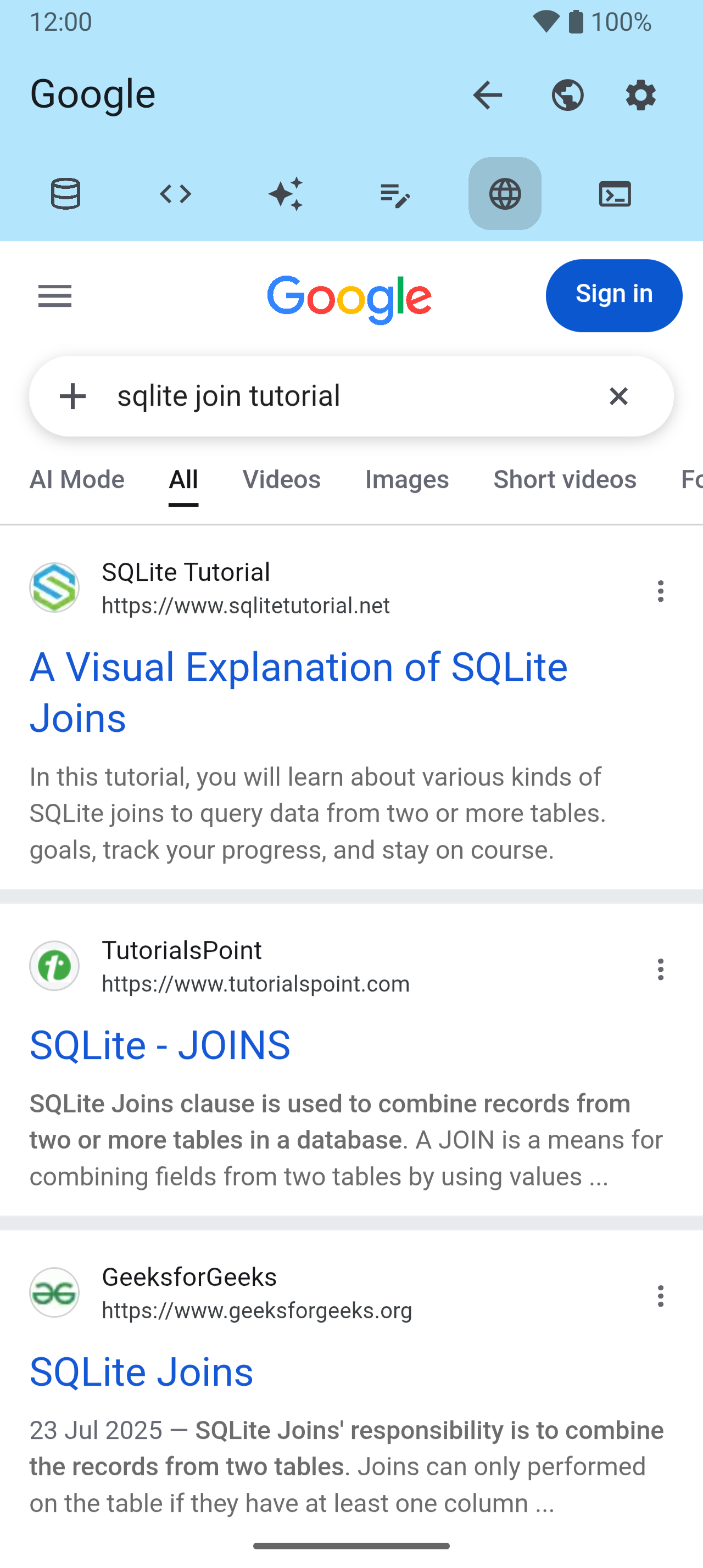
Web View 49–53
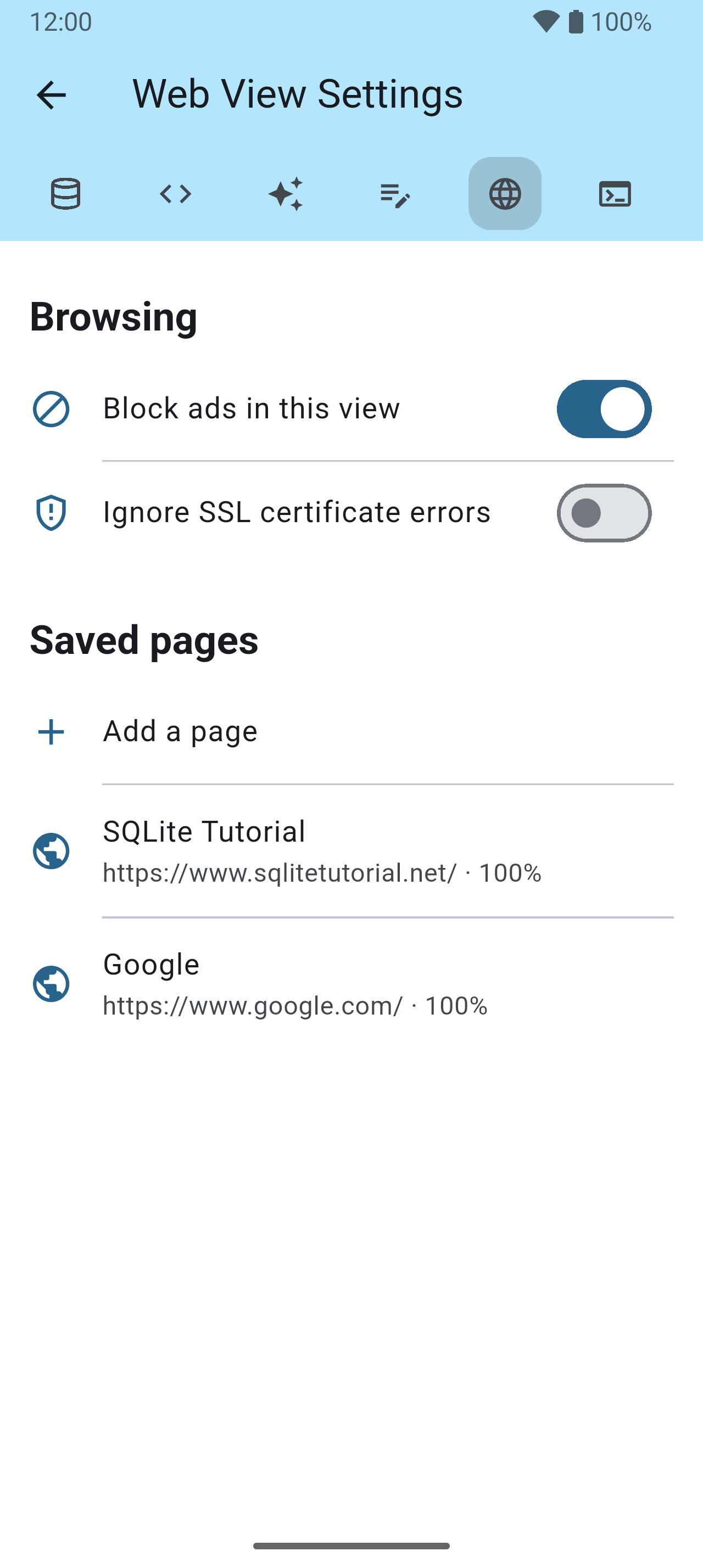
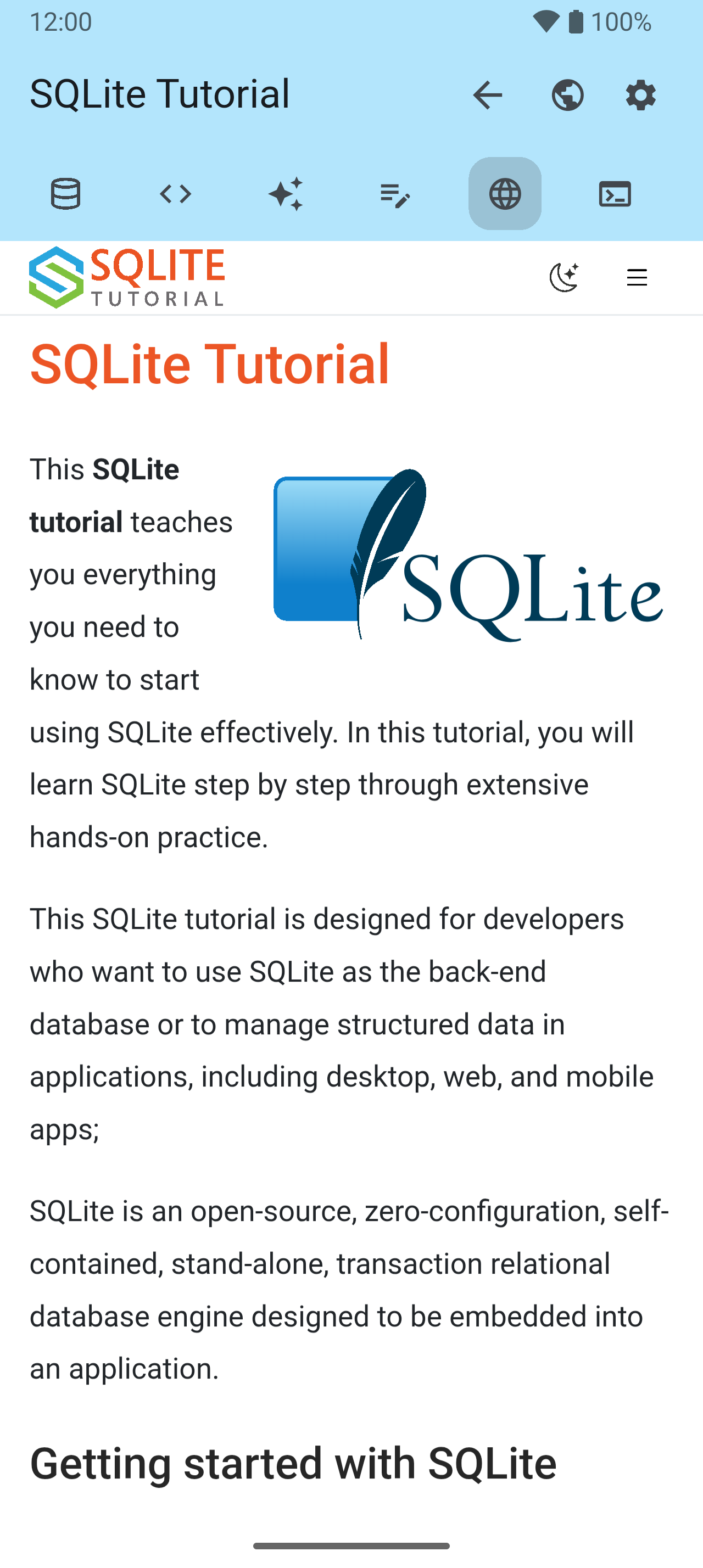
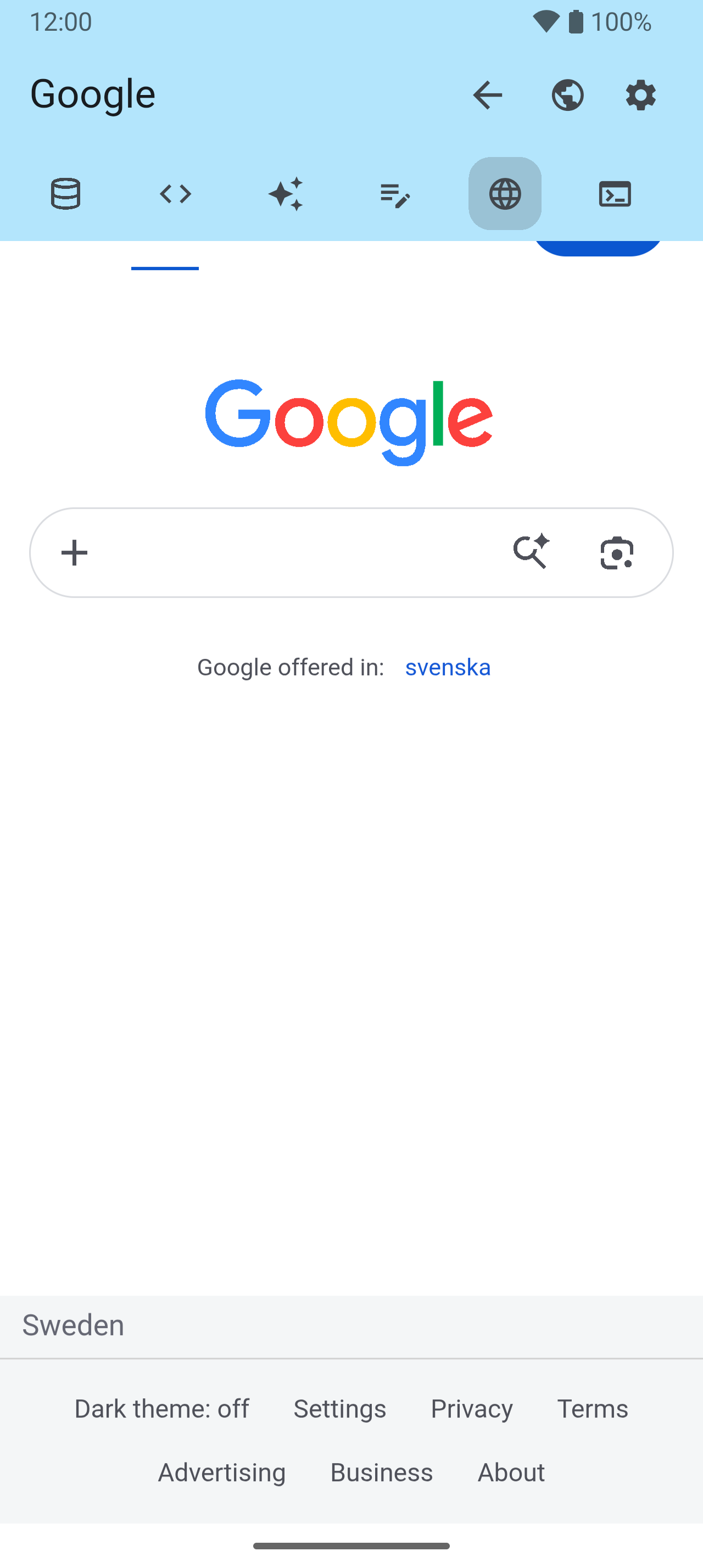
A browser inside the app, for the pages you keep going back to.

SSH Terminal 54–58
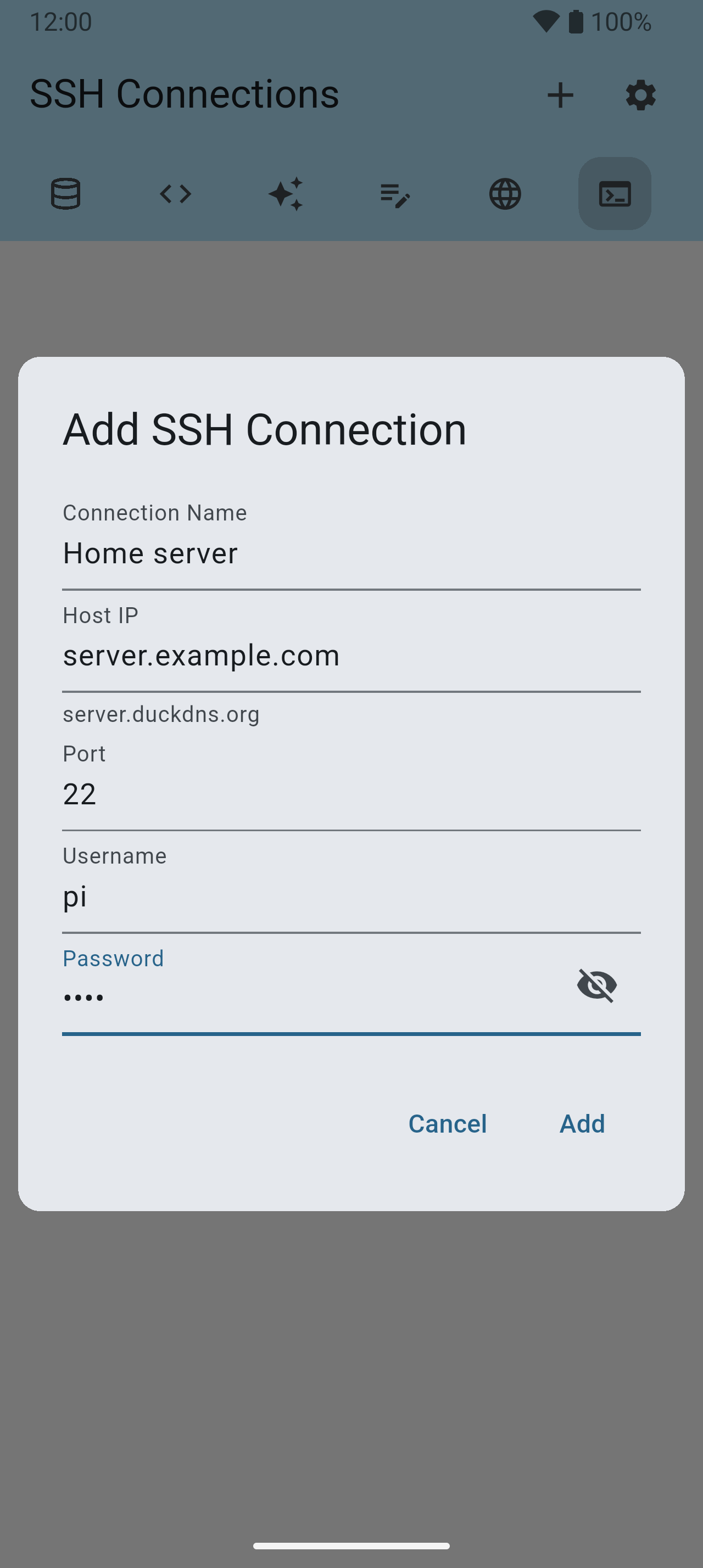
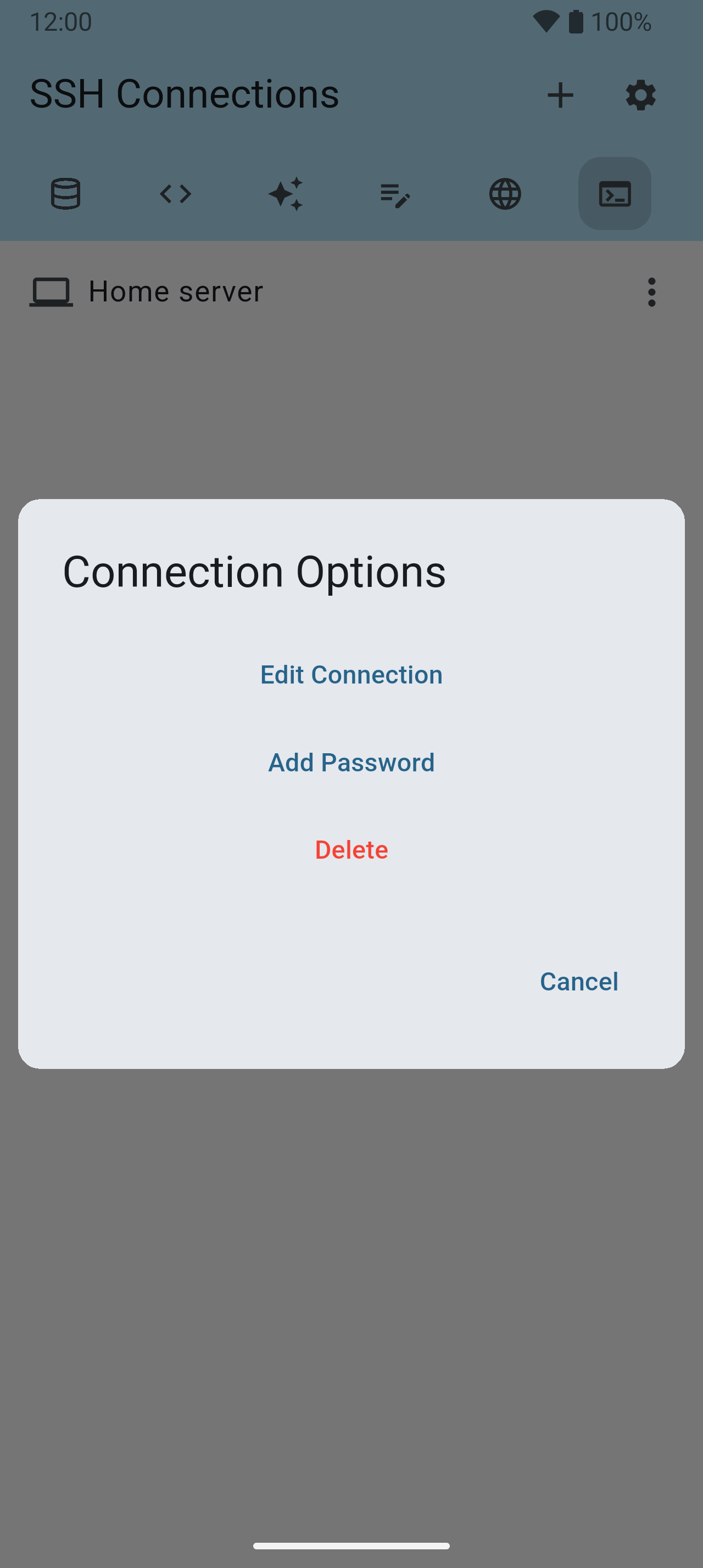
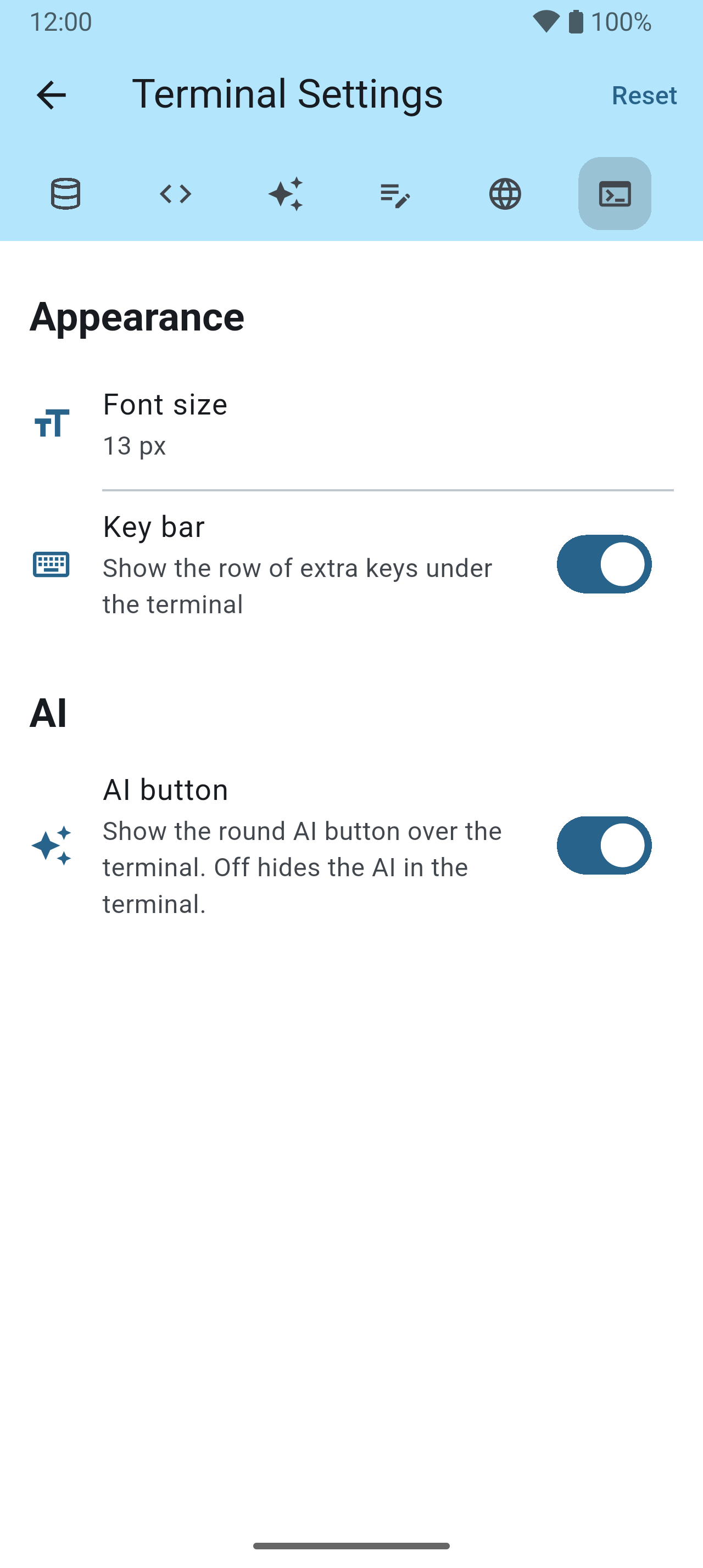
A shell on your own server, with a panel of saved commands that paste with one tap.


Servers 59–61
Your SFTP and FTP servers in one place — where pictures, pages and exports are uploaded, and whose files you can browse.



Tools 62–64
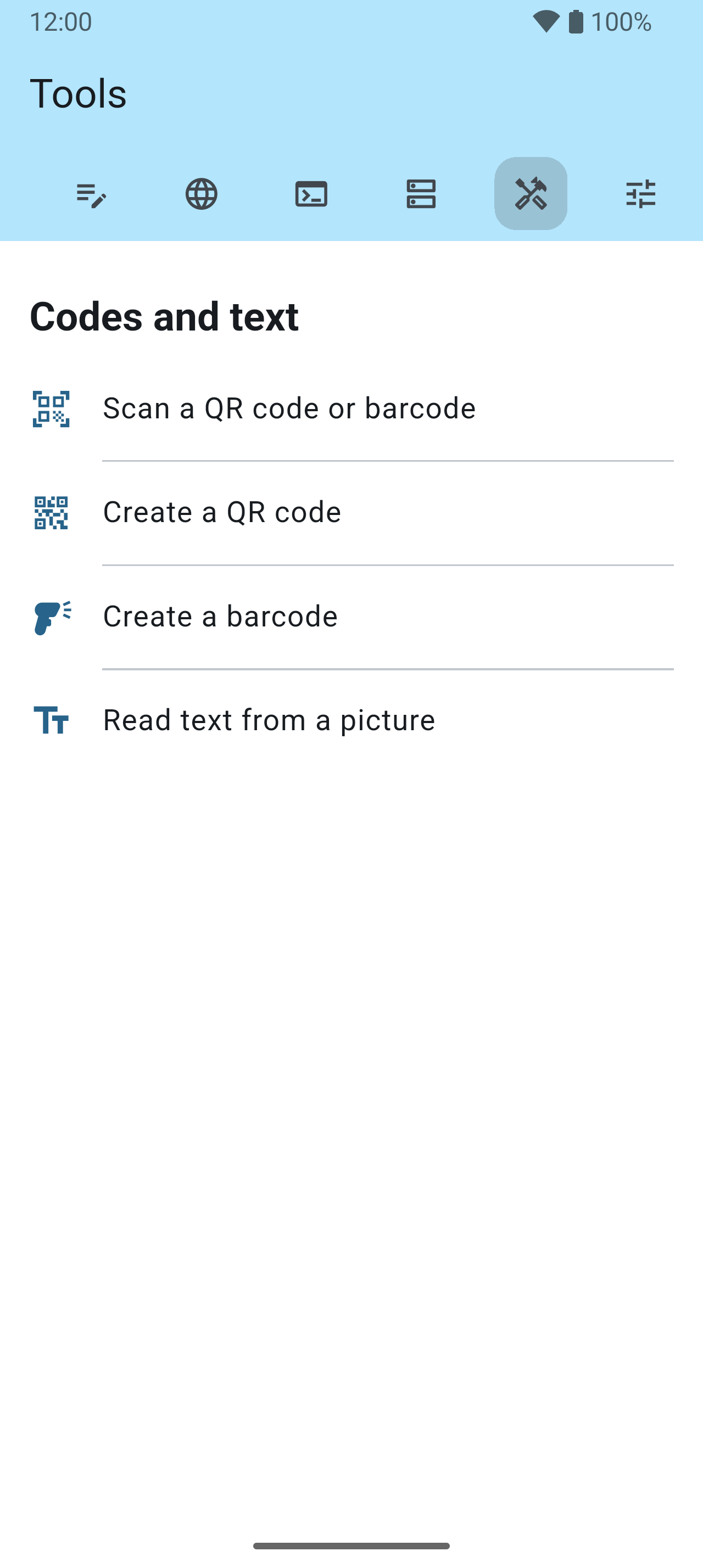
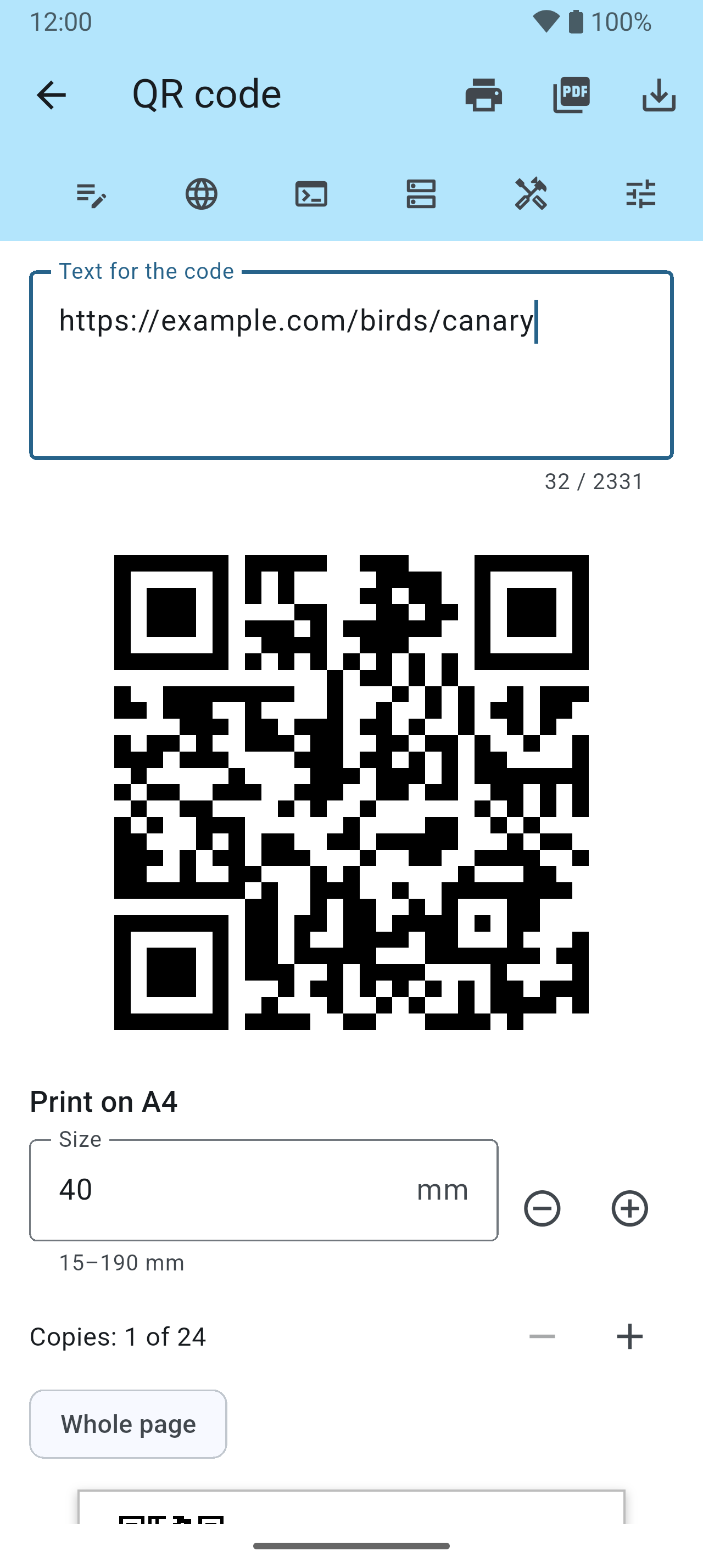
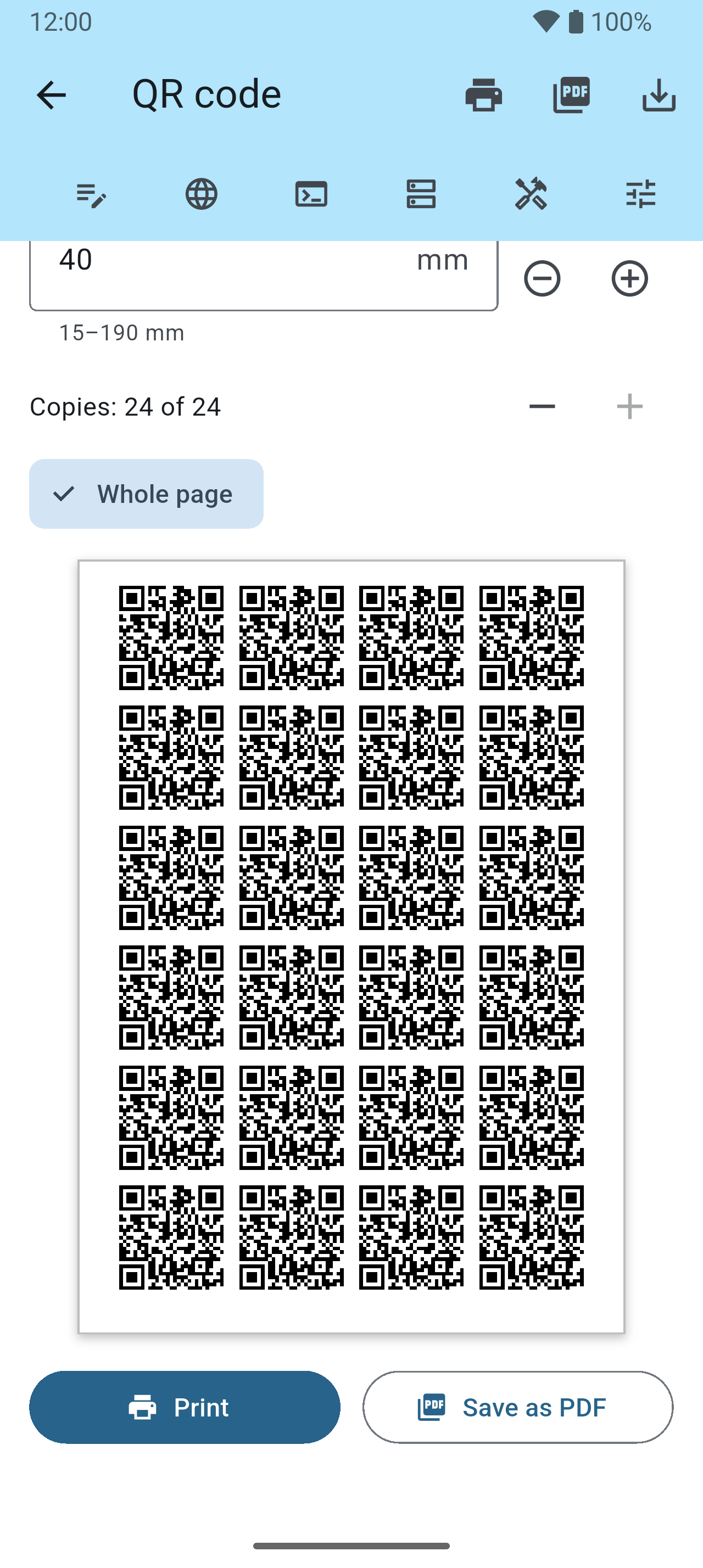
Codes and text, without opening a database.
My Database Pro 65–71
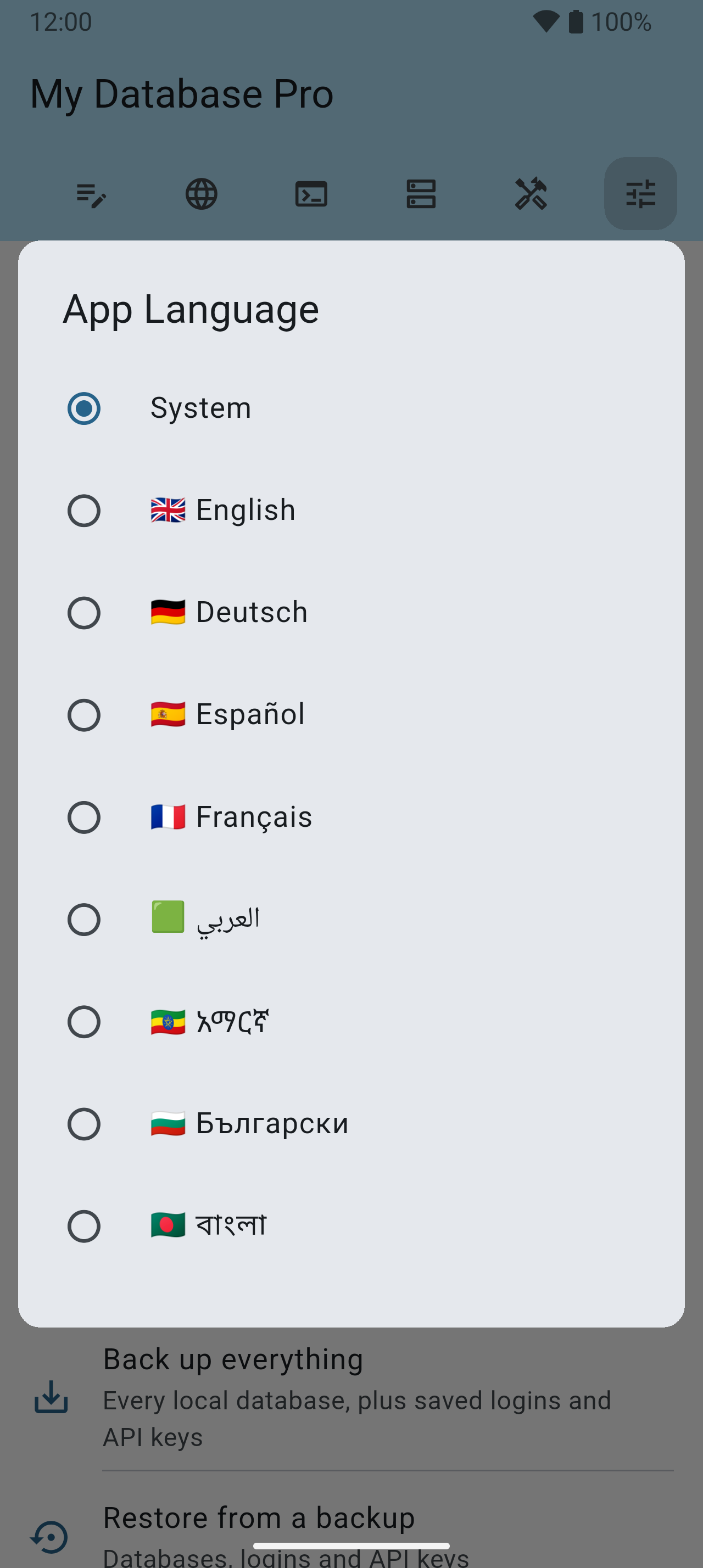
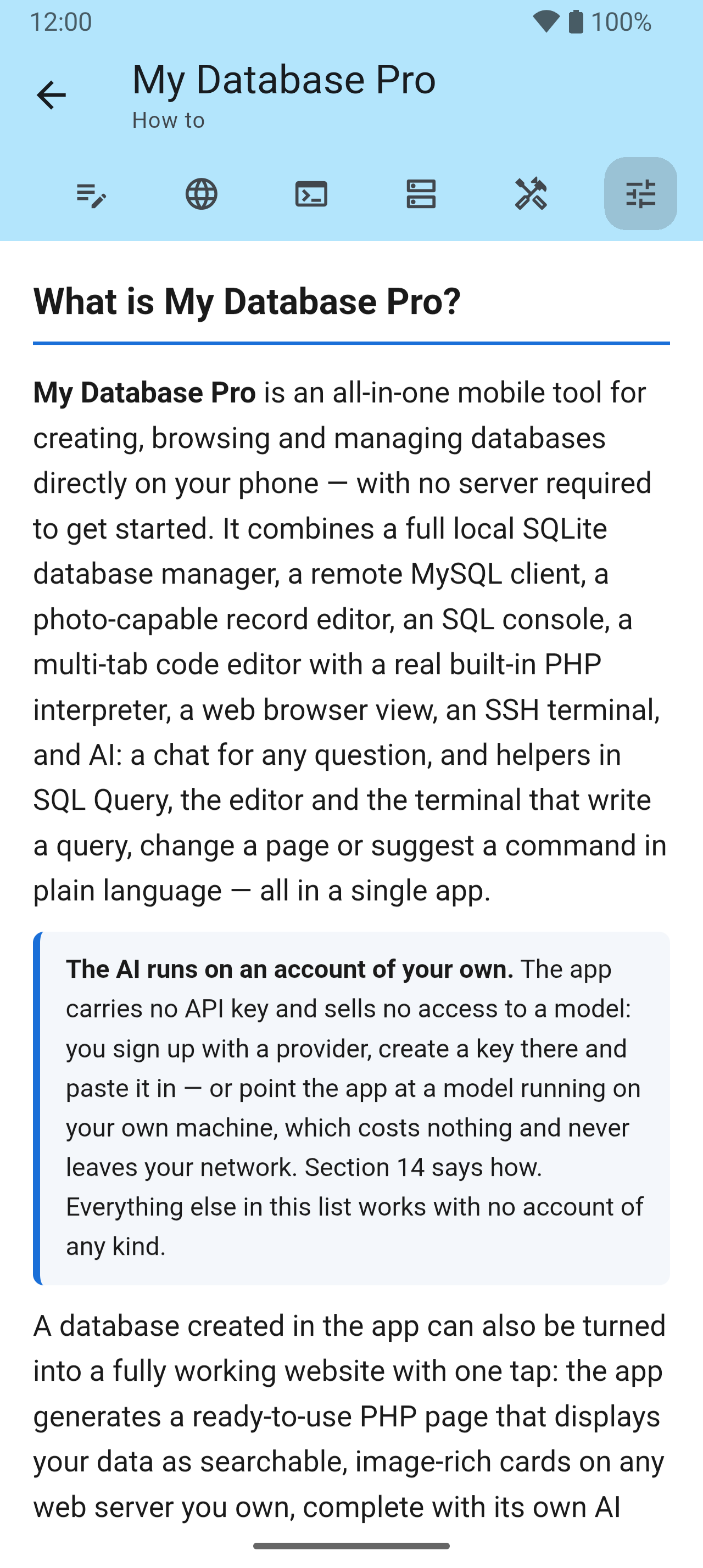
The app’s own page: language, look, AI, backups and the guide — every setting opens its own picker, so the list stays a list of names.